16) PROGRAMMING NOTES (Continued)
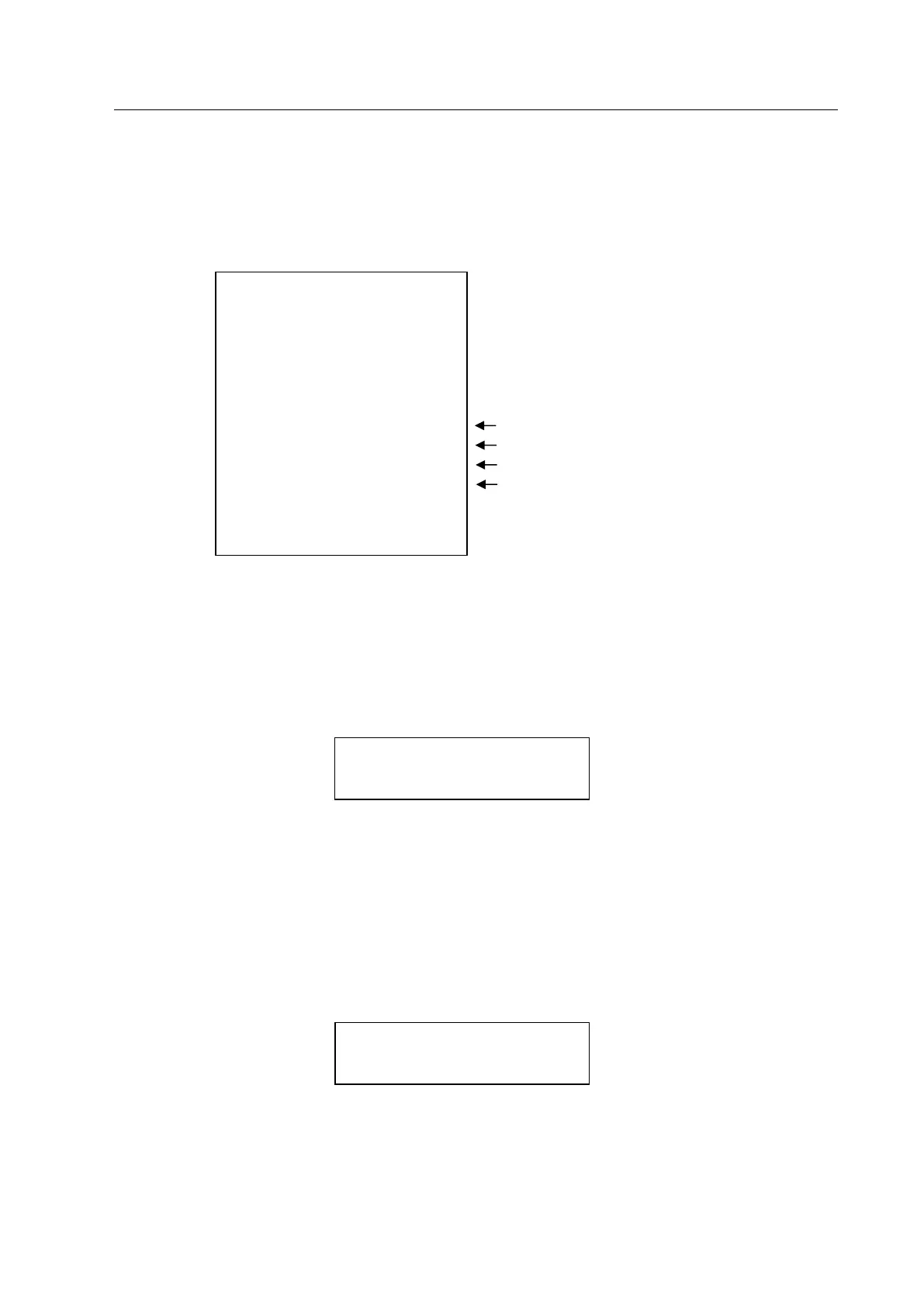
Example 2: VAT1 = 10%, VAT2 = 20%, VAT3 = 30%, VAT4 = 40%
DEPT 1 = Taxable by VAT 1
DEPT 2 = Taxable by VAT 2
DEPT 3 = Taxable by VAT 3
DEPT 4 = Taxable by VAT 4
11・20・05
・1・
1・・・・10・00 *
2・・・・10・00 *+
3・・・・10・00 *
△
4・・・・10・00 *
◇
0・91 *
1・67 *+
2・31 *
△
2・86 *
◇
40・00 ==
13-19・003
VAT1 AMOUNT
VAT2 AMOUNT
VAT3 AMOUNT
VAT4 AMOUNT
16-3) TIME PROGRAMMING
Enter the hour and minutes in military standard time. Depress the Qty/Time key.
Example : ( time ) - [ Qty/Time ]
(1:00 pm = 13:00 hours) ( 1300 ) - [ Qty/Time ]
16-4) -% KEY PROGRAMMING
( rate : 4 digits ) - [ -% ]
0 - 9999 = 0 - 99.99%
Enter the desired percent rate, then depress the -% key.
Example : 10% discount
( 1000 ) - [ -% ]
Note: The attribute of -% in the REG mode is identical to the attribute of the item (Dept or
PLU) registered just before. When -% is used after Subtotal, it attributes to all the items
registered by then.



 To Next Page