16) PROGRAMMING NOTES (Continued)
16-7) PLU PROGRAMMING
(a) TO PROGRAM PLU ITEM PRICE
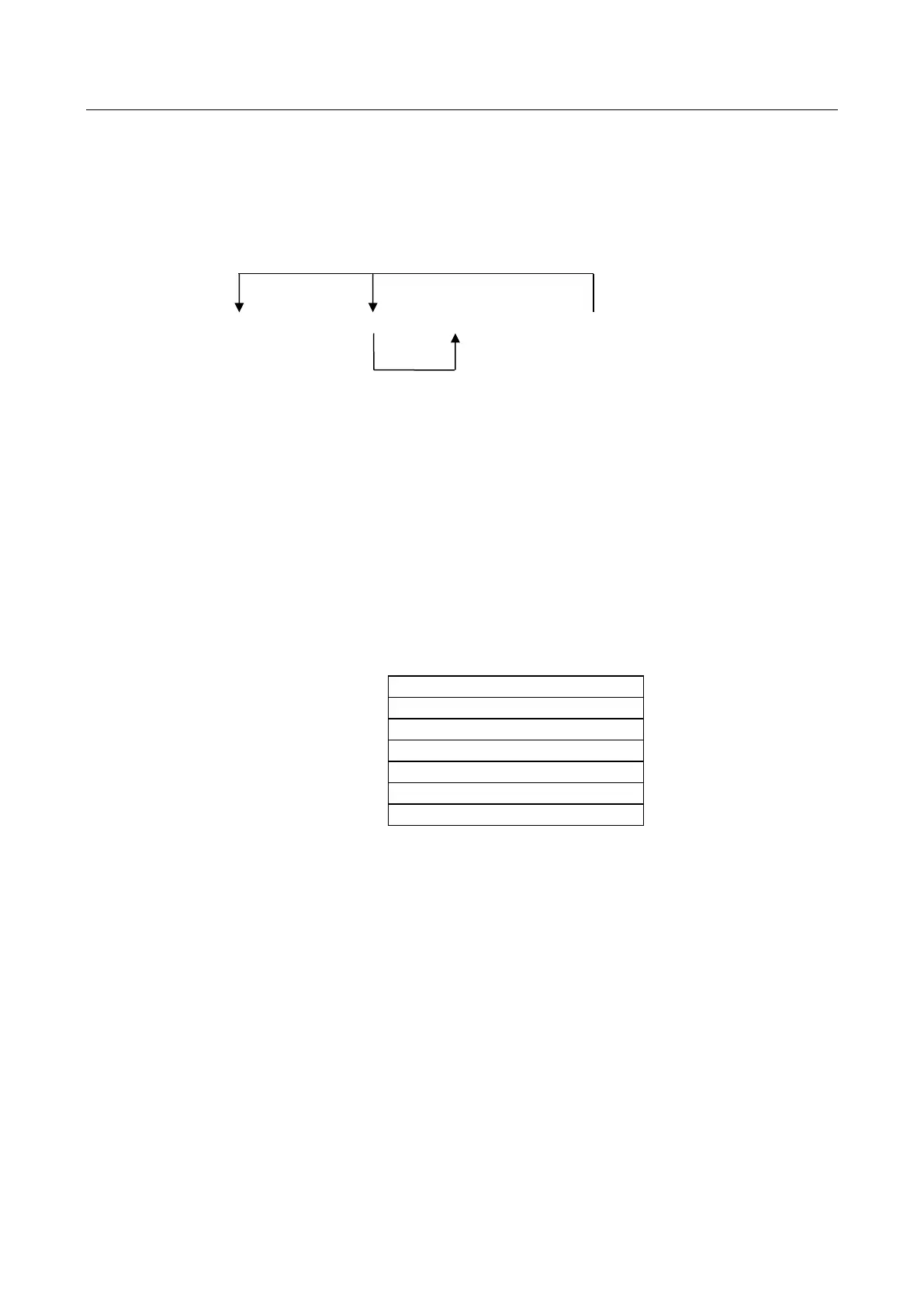
Key sequence
*2 *3
*1 *4
[Qty/Time] - (PLU #) - [PLU] - ( Price ) - [DEPARTMENT] - [Qty/Time]
1-999 0-9999999
ERASE
*1 Enter program PLU item price.
*2 After you press the [DEPT] key, you can loop back and start programming for another
PLU by inputting a new PLU number.
*3 After you press the [DEPT] key, you can loop back and input a preset price which
will be assigned to the next PLU.
*4 Linked department is changed.
Note: When in the programming sequence, you can exit the programming by pressing the
[ Amt Tend/TOTAL ] key.
Example:
[ Qty/Time ]
( 1 ) - [ PLU ]
( 1000 ) - [ 1/9 ]
( 100 ) - [ 2/10 ]
( 10 ) - [ PLU ]
( 100 ) - [ 3/11 ]
[ Qty/Time ]
*NON-PRINT



 To Next Page