17) OPERATING NOTES
ALL OPERATIONS ARE PERFORMED WITH THE CONTROL SWITCH IN THE REG POSITION
The term ‘department entry’ is used many times in the operating sequences. This refers to a
normal department entry - remember that an amount must be entered via the numeric keypad
before depressing a department key.
An error prompt is shown as the symbol ‘E’ which will appear on the display accompanied by
an error tone, which can be cleared by depressing the Clear key. An error prompt may indicate
that an incorrect key sequence has been made, or a compulsory function has not been performed.
17-1) TIME DISPLAY
Note : The time can be displayed outside of a sale only.
[ Qty/Time ]
17-2) SAMPLE RECEIPT
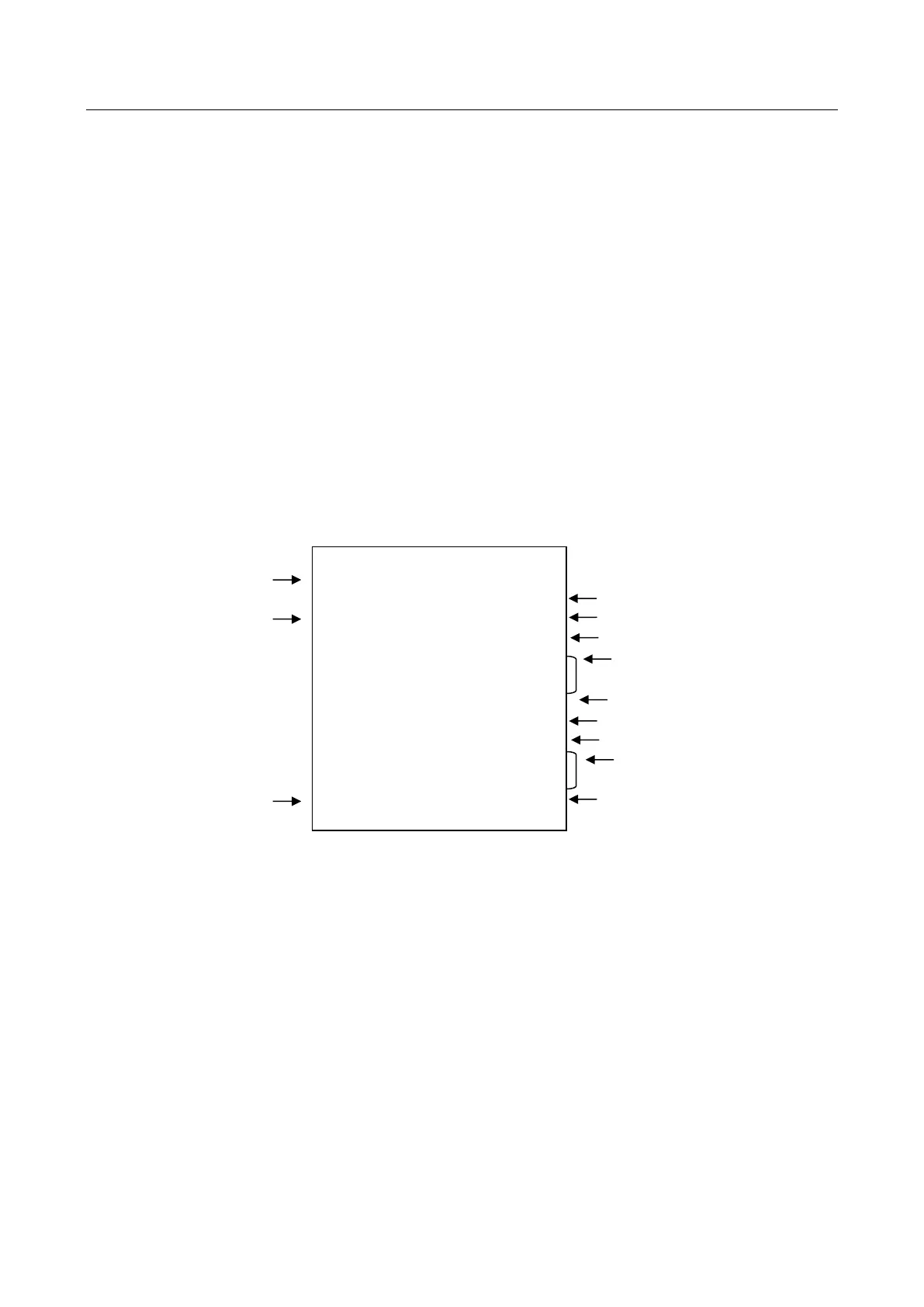
DATE
DEPARTMENT NUMBER
TIME
11・20・05
・1・
1・・・・・1・00 *
2・・・・・2・00 *+
3・・・・・3・00
4・・・・・4・00
10・00 =
0・05 *
0・08 *+
15・00 ==
4・87 CG
13-18・003
CLERK #
TAXABLE 1 DEPARTMENT
TAXABLE 2 DEPARTMENT
NON TAXABLE DEPARTMENT
SUBTOTAL
TAX 1 AMOUNT TOTAL
TAX 2 AMOUNT TOTAL
CHANGE COMPUTATION
CONSECTIVE #



 To Next Page