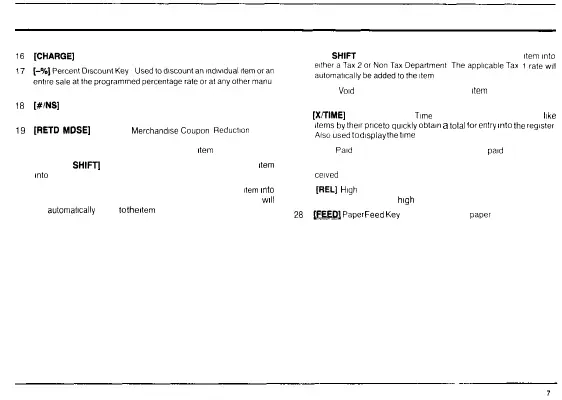
KEYBOARD FUNCTIONS
16
[CHARGE]
Charge Sales Key Used to total sales that are charged 22 [TAX
SHIFT
1] Tax Shift One Key Used to enter a Tax 1
item
into
17
tarss^2issss^"^ssr^:
—s^^sr
Tte
—
ieTa
-
•"-
ally entered percentage rate 23 [VOID]
Void
Key Automatically cancels last
item
entered voids any
18
[#/NS]
Reference Number No Sale Key Opens the cash drawer and previous entry or entire transaction
prints reference numbers 24
[X/TIME]
Multiplication and
Time
Key Multiplies a number of
like
19
[RETD
MDSE]
Returned
Merchandise
Coupon
Reduction
Key
f™
by
'
hei
'.
pri
f
l
°
qulckly
°
btaln
a
total
for
entry
lnt
°
the
re9
'
ster
Used
to
make cash
or
credit refunds
for
returned merchandise Also
A
'
S
°
used
to
d
'
Splay
the
time
allows for coupon reductions for any particular
item
or transaction 25 [P/O]
Paid
Out Key Used to register any money
paid
out
20 [NON TAX
SHIFT]
Non Tax Shift Key Used to enter a non tax
item
26 [R/A] Received On Account Key Used to register any money re
into
a taxable department
ceived
on account
21 [TAX SHIFT 2] Tax Shift Two Key Used to enter a Tax 2
item
into
27
[REL]
High
Digit Lock Out Release Key Used to make an entry
either a Tax 1 or Non Tax Department The applicable Tax 2 rate
will
above the programmed
high
digit lock out limit
be
automatically
added
to
the
item
28
^^
Paper
Feed
Key
Used
to
advance
paper
tape



 To Next Page