21
Sage Digital ENDEC Quick Start Rev 2.0
14. Connectors
14.1 Serial Port Pin Out
Accessory Power. This pin provides +9v. Not
available on COM2
14.2 Connecting a PC to an ENDEC serial (com) port
Use a ‘null’ modem cable, that is, swap pins 2 and 3.
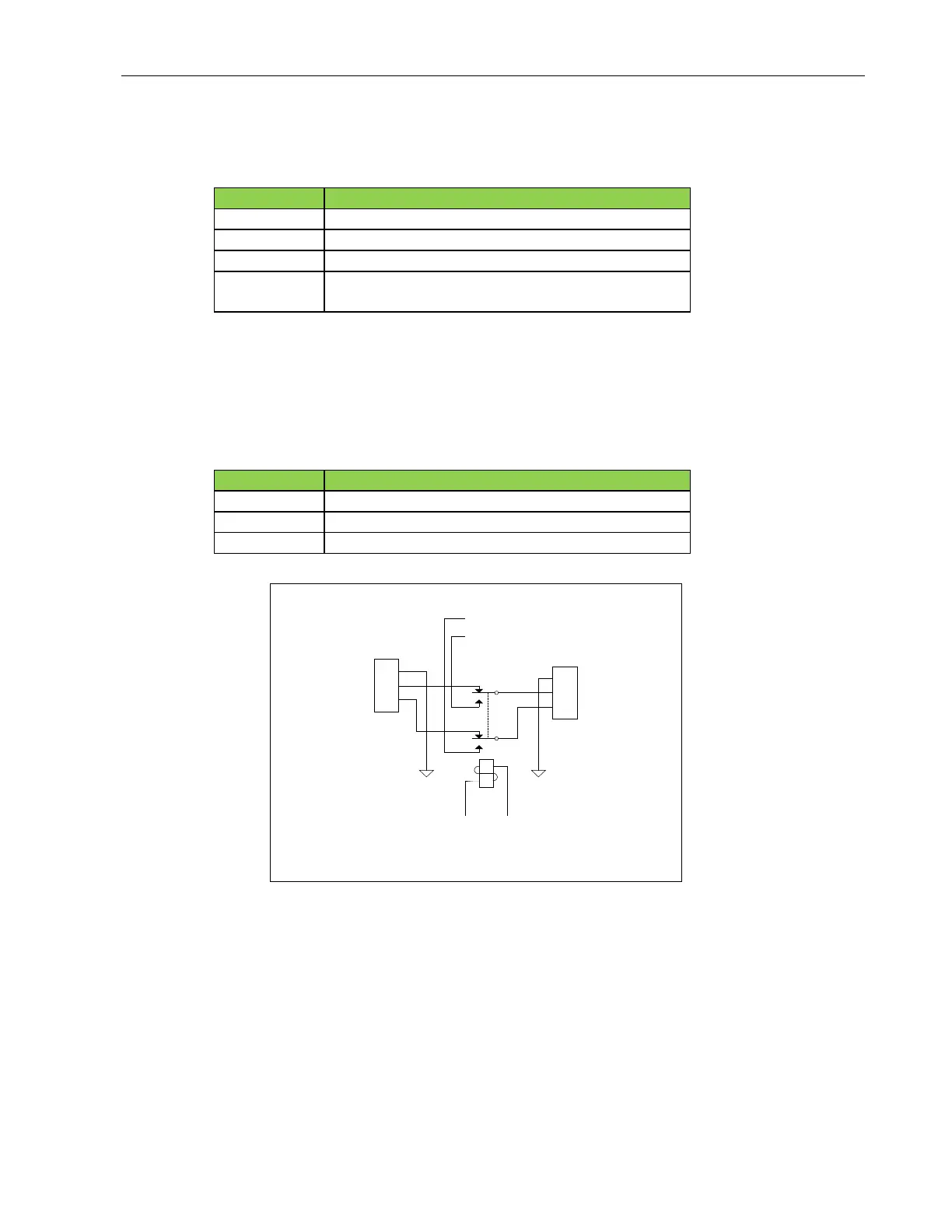
14.3 Audio XLR
The Main / Alert Audio Out right and left, balanced, 600 ohms.
14.4 Accessory Power
This section describes the accessory power jumper, intended for a hand held remote control. This power
source could also be used for other purposes. Note: as of 2019, the hand held remote is no longer
manufactured.
Each ENDEC serial port, except Com 2, provides regulated +9v power on pin 9
1
2
3
1
2
3
Audio Out XLR
Audio In XLR
Ground
High
Low
Ground
High
Low
Internal High
Internal Low
Main Audio XLRs


 To Next Page