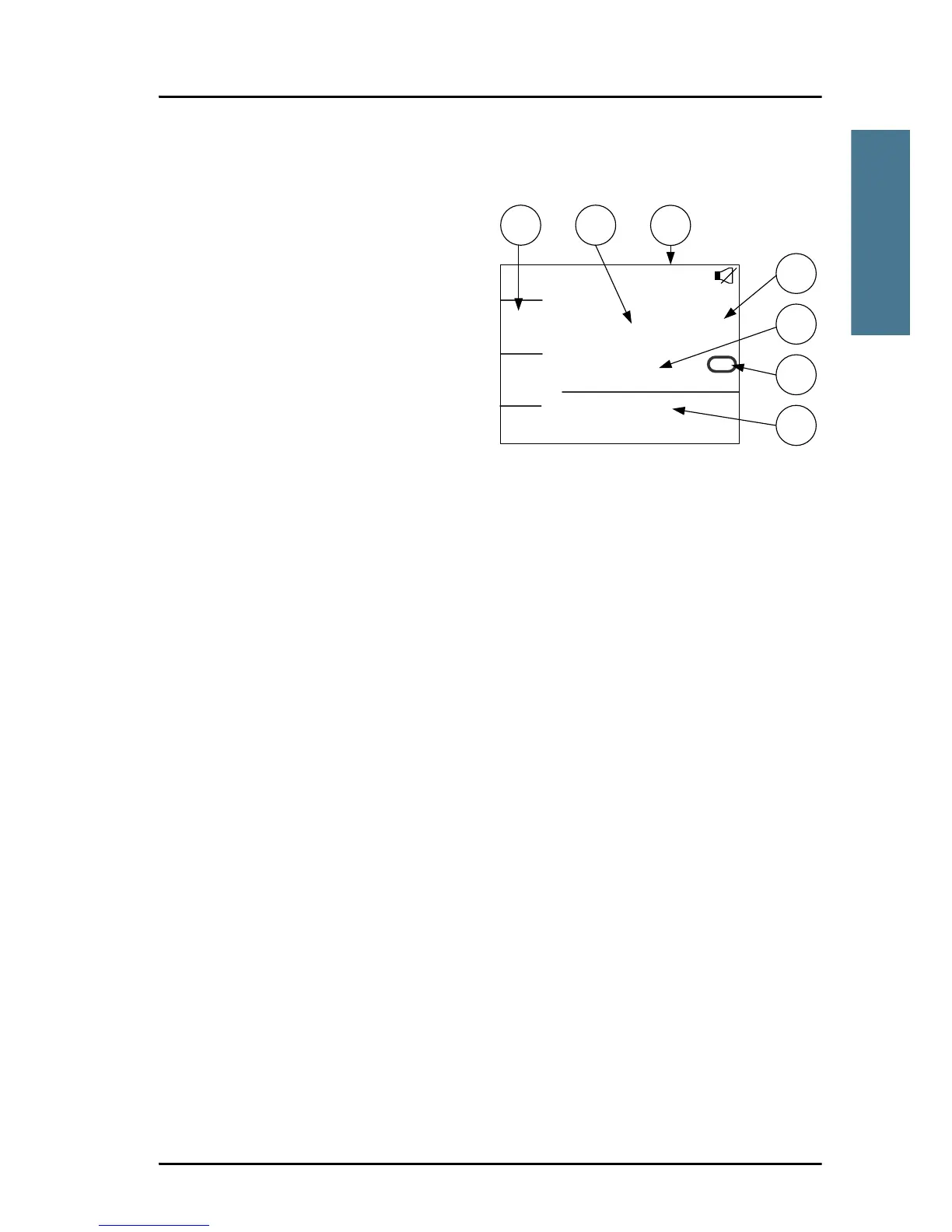
SAILOR 6222 VHF DSC display
The picture shows the display
after start-up. The display holds
various fields of information,
depending on the currently
selected function.
1. Functions you can select with
the soft keys. If there are more
than 4 functions in the list
press the soft key MORE to
display further functions.
2. Current working channel.
3. System property icons with information relevant for the currently selected
functions.
4. Channel properties next to the currently selected VHF channel (if any).
5. Service line containing current temporary information relevant for the
current channel or function.
6. Current state: RX or TX
7. DSC window with DSC information (MMSI number, position information
and UTC time of position and origin), or specific information relevant to
other functions, e.g. Replay, etc.).
For a detailed description of the information shown for each of the functions
available see the chapter Operation on page 9.



 To Next Page