Chapter 2: Operation
24 DSC calls
3. The SAILOR 6222 VHF DSC will send the self-cancellation call on channel 70
and the display automatically shows the message that you should say
when cancelling the distress with a radio message.
Use the selector wheel knob to scroll through all displays with information
for the voice cancel.
4. Press the soft key OK to go to the acknowledged state. Own distress is
cancelled now.
5. Press the soft key ANNUL to repeat the sending of the annul DSC message.
6. Having finished the voice cancelling of the annulment press the soft key
QUIT to quit the annulment Distress procedure.
Power failure while in distress
In case of a power failure or switch-off during the transmission of a Distress
the SAILOR 6222 VHF DSC gives an audible warning after power-up and
automatically resumes sending Distress 10 seconds after power up.
Within the 10 seconds you have the following options:
•Press the soft key QUIT to terminate the active distress procedure
(acknowledged or unacknowledged).
•Press the soft key CONFIRM (or wait and do nothing) to resume the sending
Distress procedure.
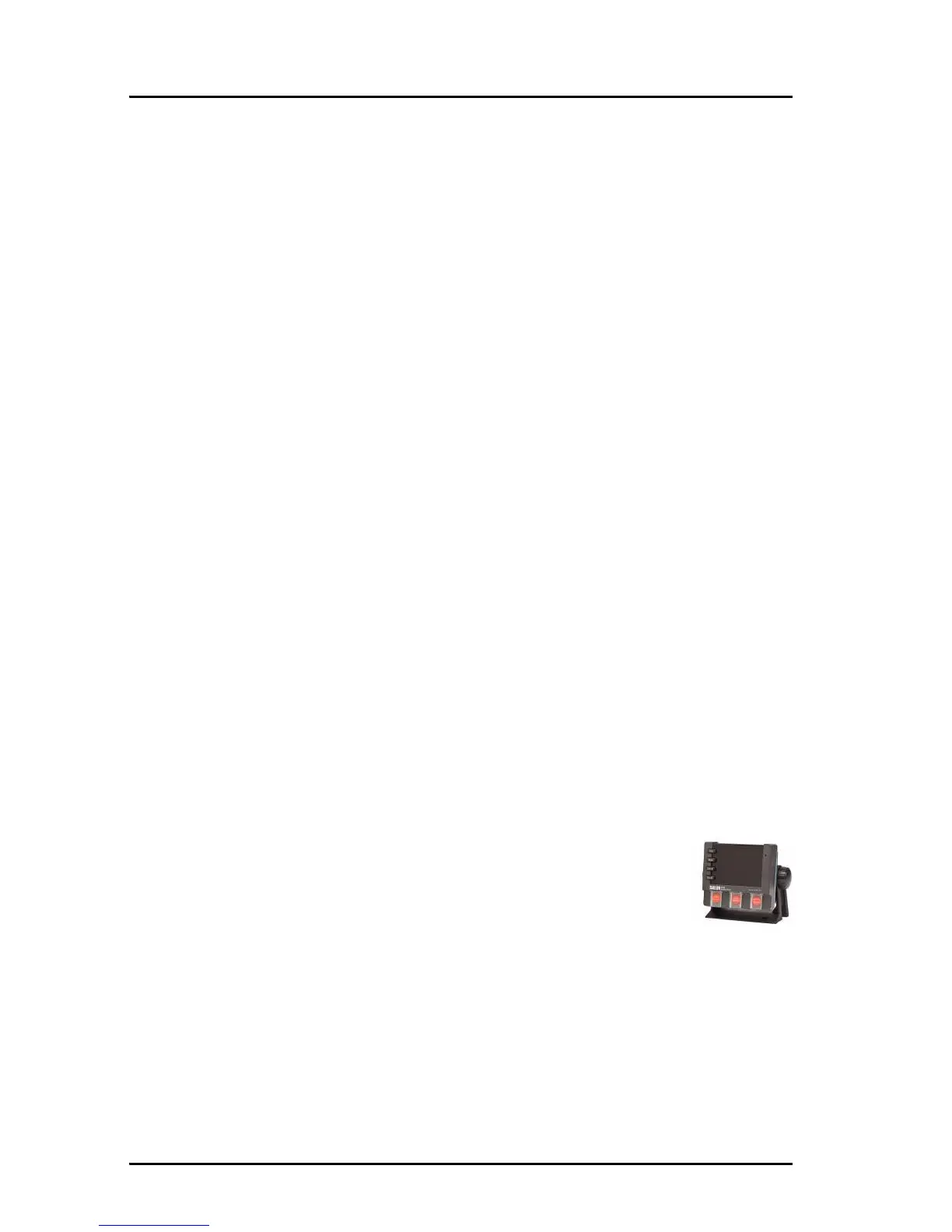
Sending a Distress from the SAILOR 6103 Multi Alarm Panel
The optional SAILOR 6103 Multi Alarm Panel will, when
connected to the VHF radio, indicate in the SAILOR 6103 display
that a Distress can be sent over VHF. To send a Distress alert
from the SAILOR 6103 Multi Alarm Panel, do as follows:
1. Lift the cover of the Distress button marked VHF.
2. Press and hold the button until the light is steady and the buzzer stops
(more than 3 seconds).



 To Next Page