The VHF radio is now in distress mode. Continue the distress traffic and
procedures from the VHF radio front panel, if possible, in the same way as
described for handling distress mode from the main VHF radio.
Press the MUTE button on the Alarm panel to mute the audible alarm on
incoming distress or urgency messages.
For further information see the Alarm Panel Installation and user manual.
DROBOS — Distress Relay on behalf of someone else
To send a distress message on behalf of someone else, do as follows:
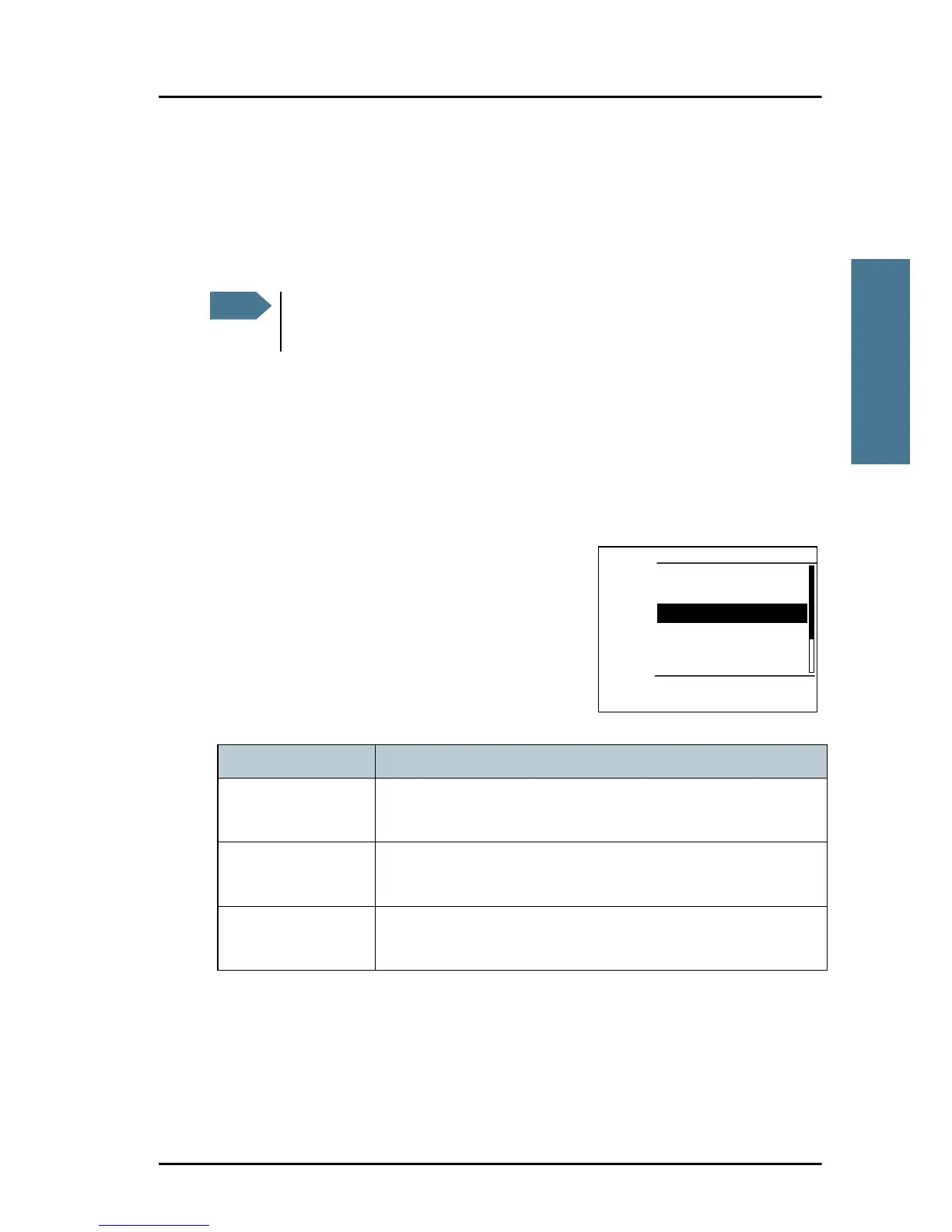
1. From top-level standby press the soft key
DROBOS. If it is not in the display, press the
soft key MORE until DROBOS appears.
2. Select one line at a time by pressing and
turning the selector wheel knob.
3. Enter the necessary information using the
selector wheel knob or the keypad:
Relay items Description
TYPE: Select RELAY ALL or RELAY INDIV. If yo select RELAY
INDIV., the field TO appears in the display.
DISTRESS MMSI: Enter the MMSI number of the vessel in distress, if
known, or else “unknown”
TO: Enter the MMSI number of the vessel or coast station you
send the relay to.



 To Next Page