Chapter 2: Operation
28 DSC calls
DSC calls for communication
With a DSC call you can establish a radio communication with one or several
specific radios on a suggested VHF channel.
To make a DSC call, do as follows:
1. Press the soft key CALL.
2. Turn and press the selector wheel knob to
select the call type:
Depending on the DSC call type you can
enter category, MMSI number and
channel for the following communication.
3. In the field CAT: select a DSC call category, depending on the call type.
4. In the field TO: enter the 9-digit MMSI number of the vessel you want to
contact or use the phone book (PHBOOK) to select a contact.
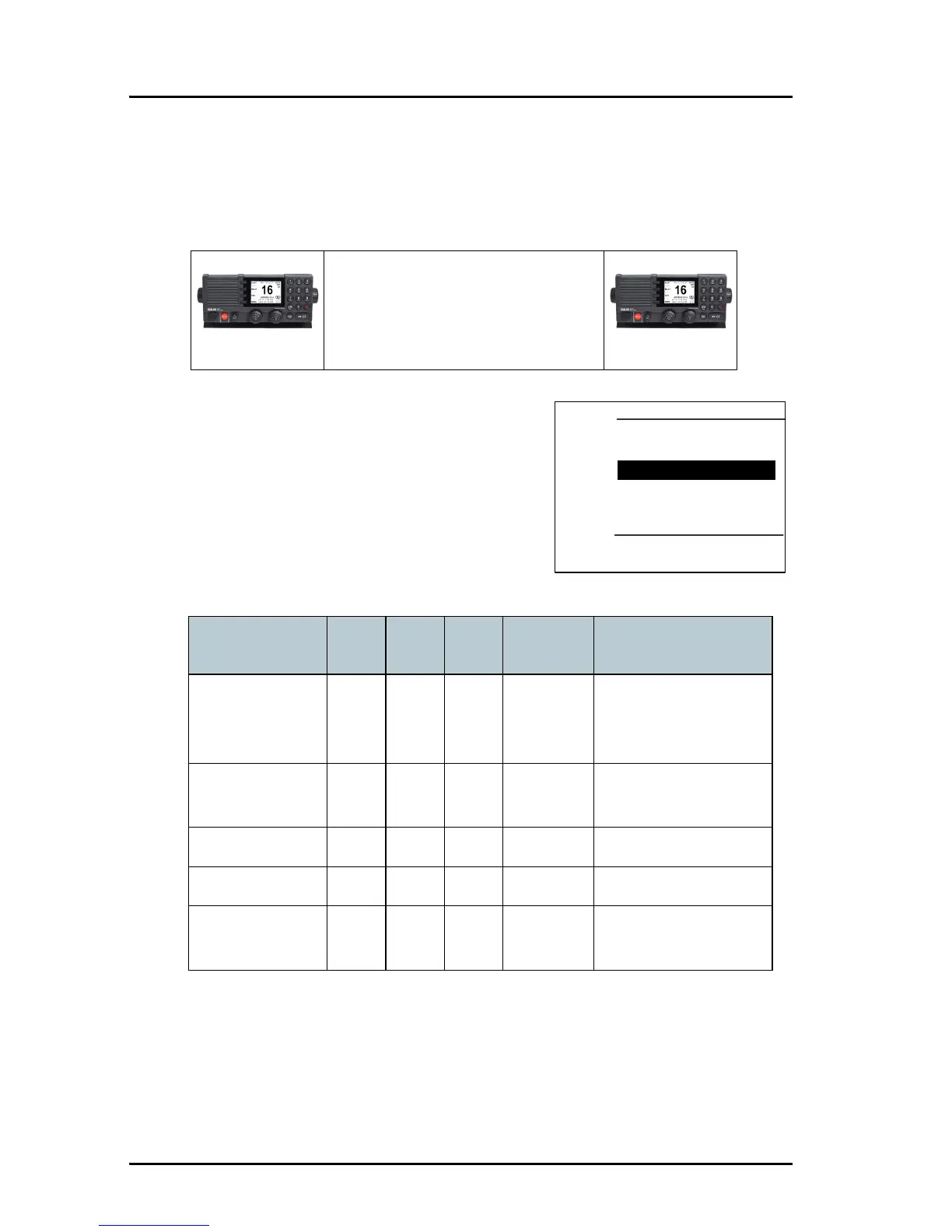
Radio BRadio A
1. DSC call message from Radio A to Radio B
2. DSC acknowledge from Radio B to Radio A
3. Radio A + B go on the agreed VHF channel
4. Press PPT and start talking
DSC call type Cat. To: Ch.
Session
icon
DSC call category
INDIVIDUAL
(default)
XXXR or S Routine (default) or
safety calls, calls to a
ship or a station
SAFETY TEST — X — S Test call, check of
safety equipment
POSITION — X — S ?
GROUP — X X R Routine
ALL SHIPS X — X S or U Safety (default) or
urgency



 To Next Page