Chapter 2: Operation
32 DSC calls
See also Handling multiple calls — DSC and voice on page 34.
Detail information for DSC sessions (soft key: INFO)
A DSC session is updated based on DSC calls received or transmitted. Press the
soft key VIEW to show the details for the current session. For distress events a
sequence of calls may contribute to the complete view and status of the
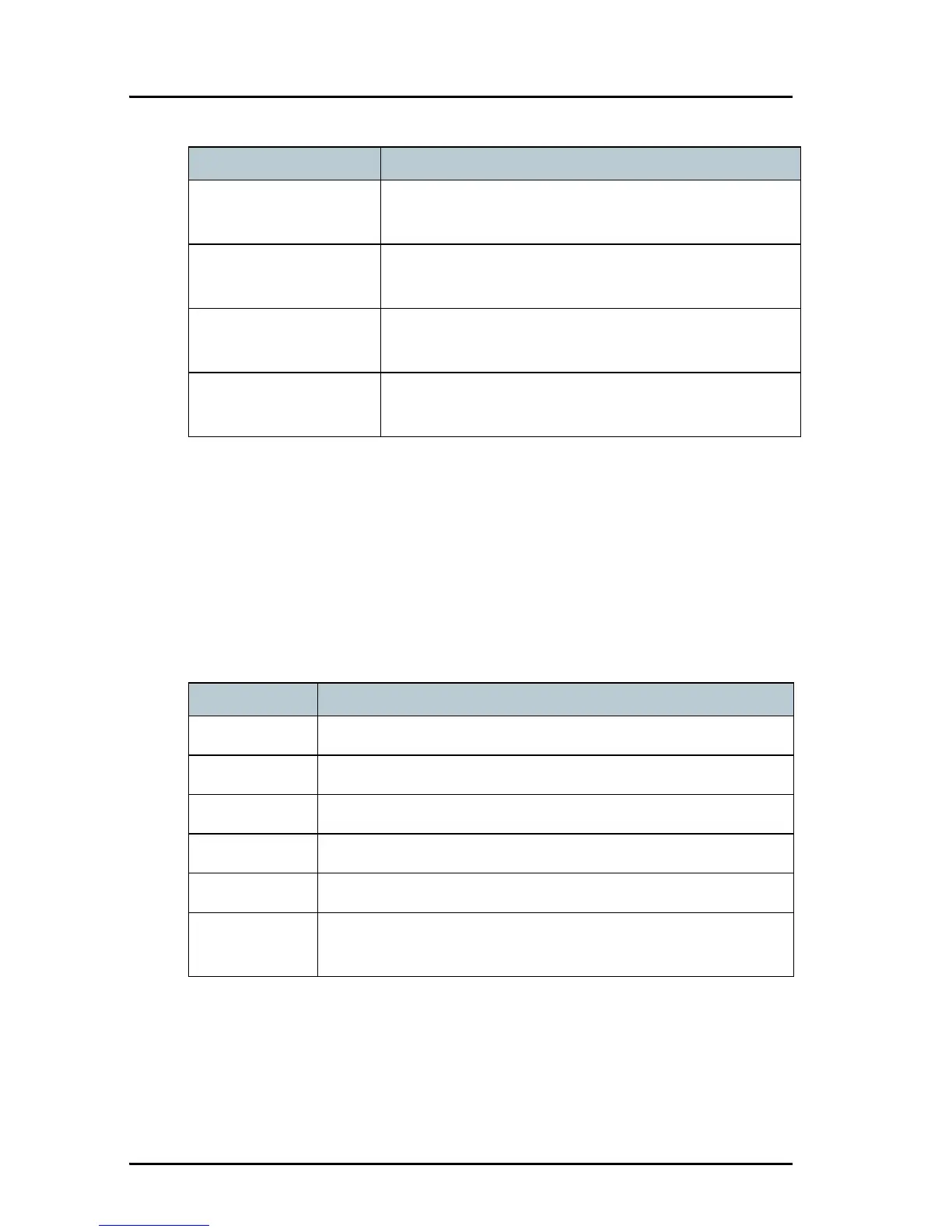
session. Detailed fields for distress are:
ANNUL (Cancel Own
Distress)
Cancels an inadvertently transmitted distress
CONFIRM (Cancel Own
Distress)
Confirms action and proceed sequence, used in
cancel distress procedure
INFO (in Cancel Own
Distress)
Turns page of text message.
HIST (Received
distress)
A filtered version of the log displaying received calls
relevant to the current distress event.
Soft key — DSC session Radio function
INFO — DSC Explanation
DISTR-MMSI The vessel in distress
NAT Nature of Distress
LAT Latitude position of station in distress
LON Longitude position of station in distress
POS UTC Time of position
MODE Communication mode (Simplex/Semi-duplex Telephony
supported)



 To Next Page