Chapter 2: Using the system
Sending a DSC Distress alert 7
2222
Sending a DSC Distress alert
The Distress button procedure below is the same on the Message Terminal as
on the SAILOR 6300 MF/HF DSC.
To send a Distress alert, do as follows:
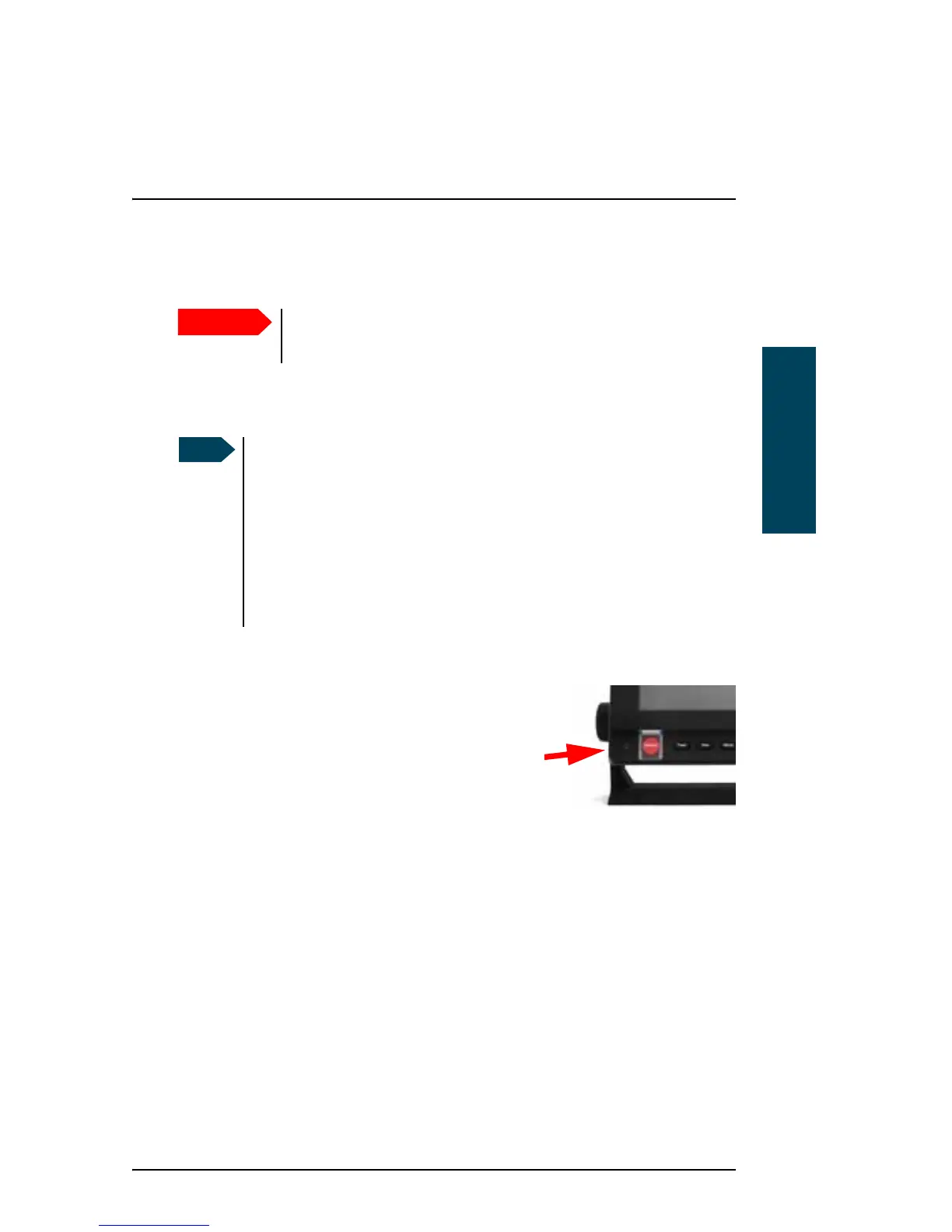
1. Open the cover for the Distress button.
2. Push and hold the button for more than 3
seconds to transmit an undesignated DSC
Distress alert. While the button is pushed, the
Message Terminal shows a popup with a
countdown and the attached control unit(s)
beep.
To cancel a Distress alert, see Cancelling a Distress alert on page 9.
Only send a Distress alert if you are in immediate danger!
The Distress alert can be compared to a MAYDAY call.
If the subsequent communication is to be telex, use the ALERT
function in the MF/HF radio to set up telex subsequent
communication before pushing the button. Refer to the SAILOR 6300
MF/HF DSC User manual for details on how to set up the MF/HF
radio. When the DSC Distress alert is sent, a popup appears on the
Message Terminal guiding you to the Call window, which is
automatically set up to Broadcast FEC using the telex frequency
matching the Distress alert.



 To Next Page