Messages
Writing message files for telex
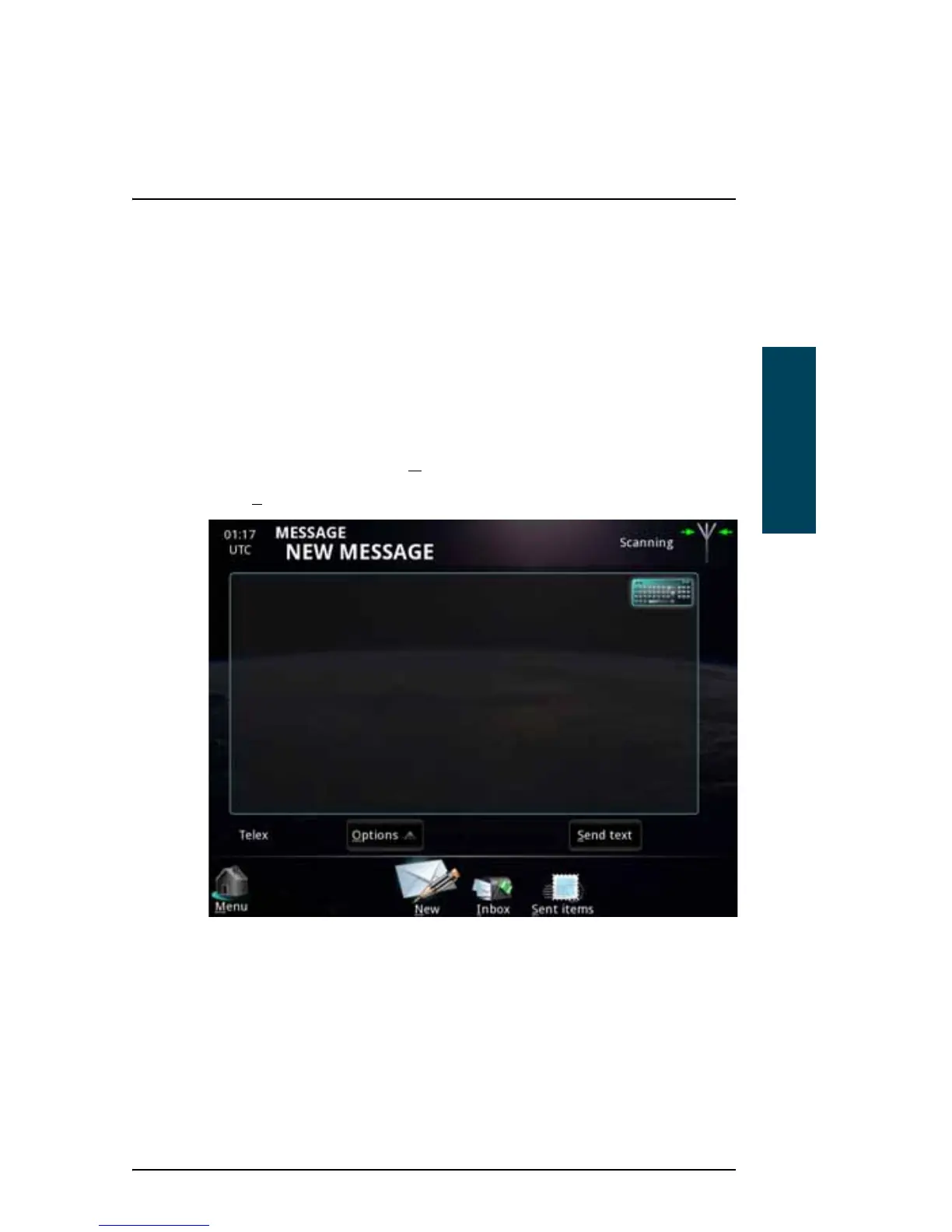
If you want to write longer messages, you can use the Message function.
To write a message, do as follows:
1. From the main menu, select M
essage.
2. Select N
ew (if not already selected).
To make sure the text is properly formatted at the receiving end, we
recommend starting the file with a few empty lines (press Enter).
3. You now have two options:
• Type in the text using your keyboard or the on-screen keyboard in the
top right corner. Note that you can only use telex characters.



 To Next Page