Status signaling
The Message Terminal can show basic status and error messages.
The upper right corner of the display shows the most important status
information.
Information of events
Popup windows
When an event requires your attention, a popup window appears. When you
have read the text, select OK or press Esc to close the window.
If the window indicates an error that requires your action, the warning or error
icon will stay in the top right corner of the display as long as the problem
persists.
If the system uses a SAILOR 6081 PSU and Charger, the Message Terminal also
shows errors or warnings related to the power supply. For information on the
SAILOR 6081, see the manual for the SAILOR 6081 [4].
List of active warnings and errors
The top right corner of the display shows a short text about the current status.
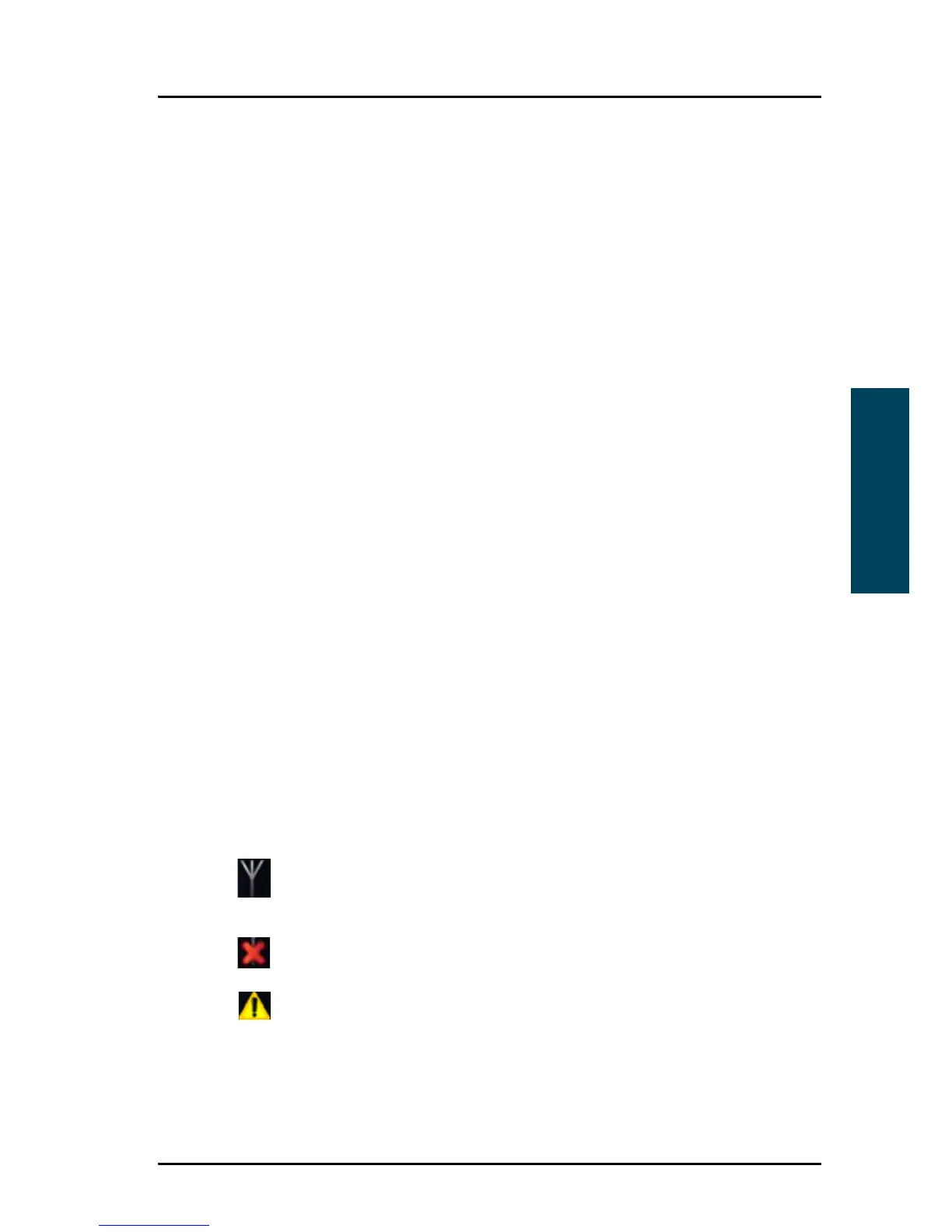
The icon in the corner can change depending on the situation. The following
icons may show:
Antenna icon: The antenna icon can look different depending on the
status. For details, see page 10 in Overview of the Radiotelex user
interface.
Error.
Warning.
Select the icon or press F1 to see the list of active warnings and errors.
From the list of active warnings and errors you can access the event log.



 To Next Page