Chapter 2: Using the system
16 Making a telex call
Making a telex call
When you have set up telex mode, frequency/channel and recipient as
described in the previous section, you are ready to make a call. Do as follows:
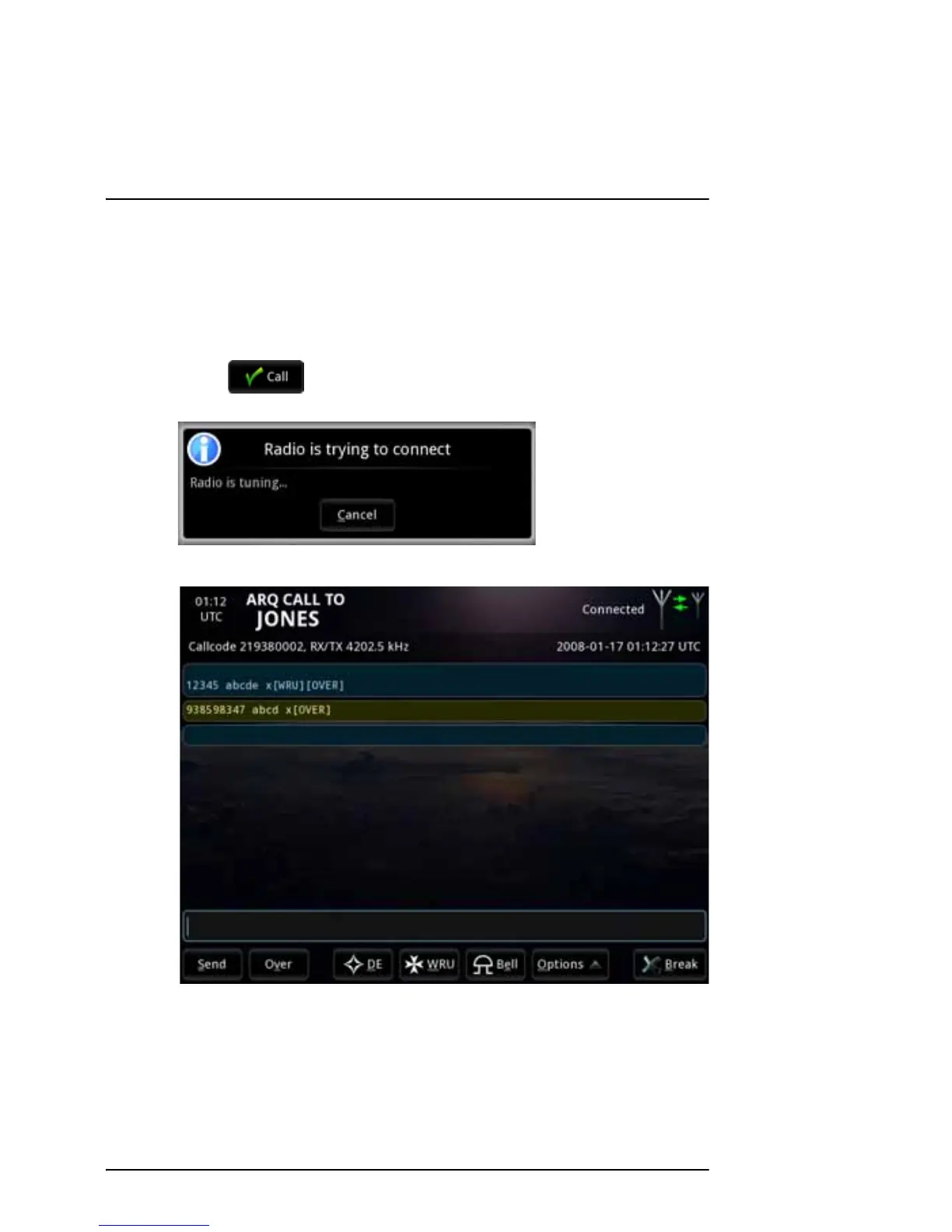
1. Select at the bottom of the Call setup window to start your
telex session. The display shows that the radio is trying to connect.
2. When the connection is established, the telex page opens.
If you have selected Automatic identification (DE/WRU), your answer back
string is automatically sent. For ARQ calls, the answer back string is
followed by a WRU command requesting the recipient’s answer back
string. When the recipient has answered and has sent an Over command,
you can start your message.



 To Next Page