Chapter 2: Using the system
Making a telex call 17
2222
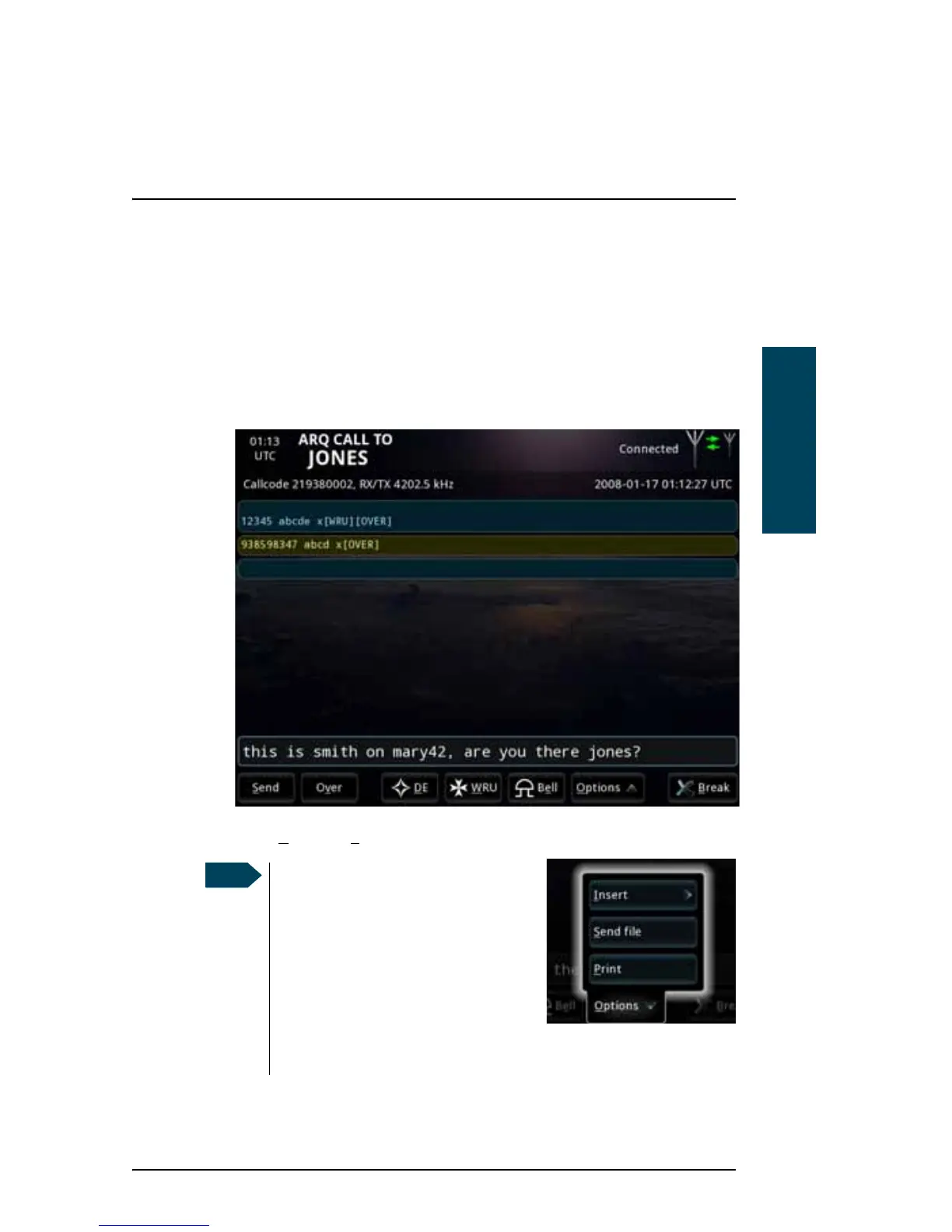
For a description of all the items at the bottom of the page, see Options in
the telex page on page 20.
3. You can send text in the following two ways:
• Type in your message directly in the text line at the bottom, using your
connected keyboard or the on-screen keyboard, which is activated by
pressing the text line on the screen and then the keyboard icon that
appears in the right side of the text line.
• Select O
ptions > Send file and select the file you want to send.
The system begins to transmit
immediately when the file is
selected. Pressing OVER while a file
is being transferred does not result
in a change of direction until the
entire file is transmitted. To stop
the transmission, select Cancel file
transfer. Then use the OVER
command to change the direction.



 To Next Page