Chapter 2: Using the system
28 Scanning frequencies
Scanning frequencies
When a scan is started, the system is ready to receive telex messages on the
selected scan frequencies. The MF/HF radio scans every listed channel for 3
seconds. If no traffic is detected, it continues to the next channel.
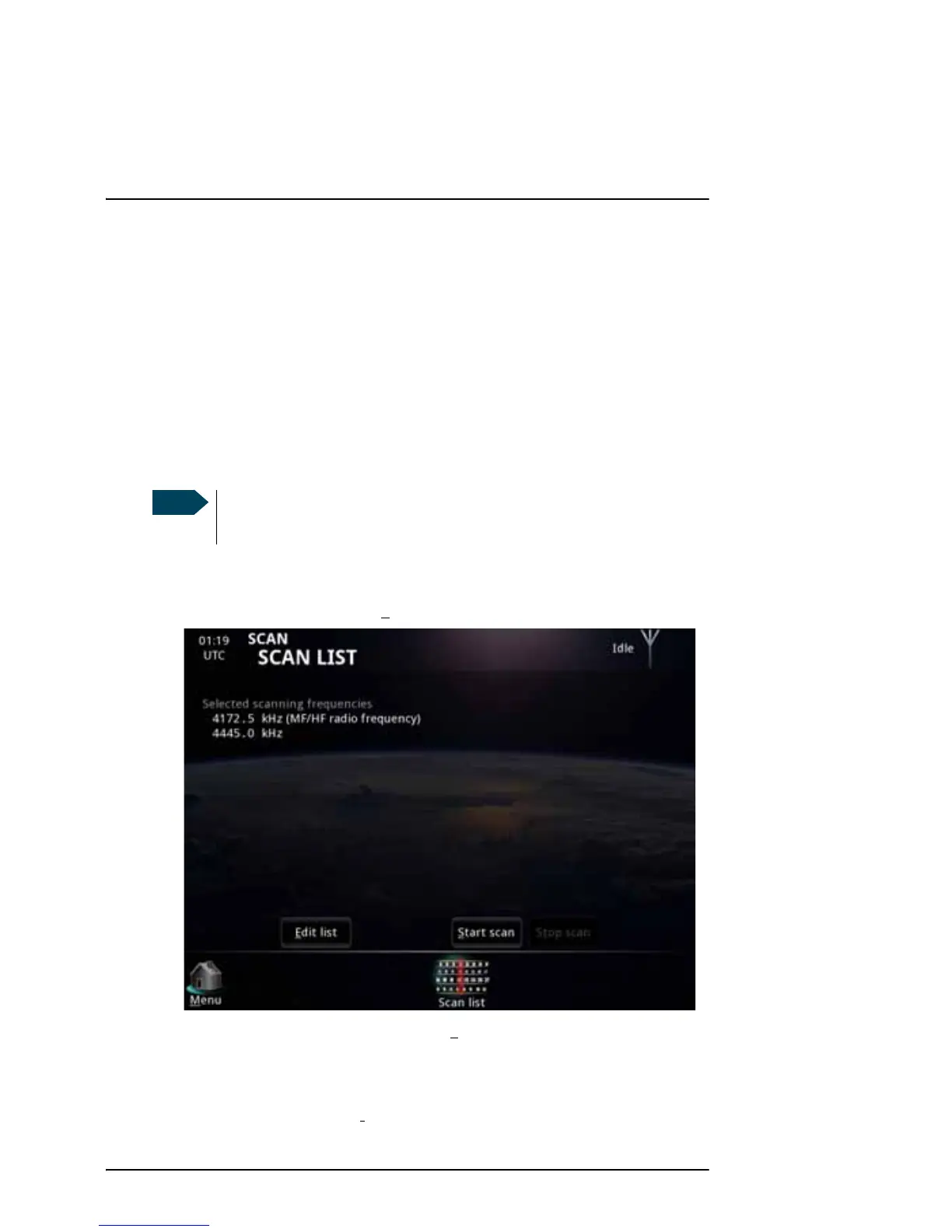
The scan list in the SAILOR 6300 MF/HF Radiotelex always shows the current
telex frequency of the connected MF/HF radio (indicated with “MF/HF radio
frequency”). In addition, you can add other telex frequencies that you want
the system to scan. See Editing the scan list on page 29.
To start a frequency scan, do as follows:
1. From the main menu, select S
can.
2. To scan the frequencies shown, select S
tart scan.
The Message Terminal informs the MF/HF radio to scan for the selected
frequencies. The status field in the top right corner shows Scanning.
3. To stop scanning, select St
op scan.
If the system is in DSC subsequent communication mode, only the
frequency assigned by the MF/HF radio is scanned.



 To Next Page