Chapter 2: Using the system
Contacts - individual 33
2222
3. Type in the Receive and Transmit frequencies or select from the list of Coast
stations.
4. Select O
K.
5. To stop editing the scan list, select O
K again.
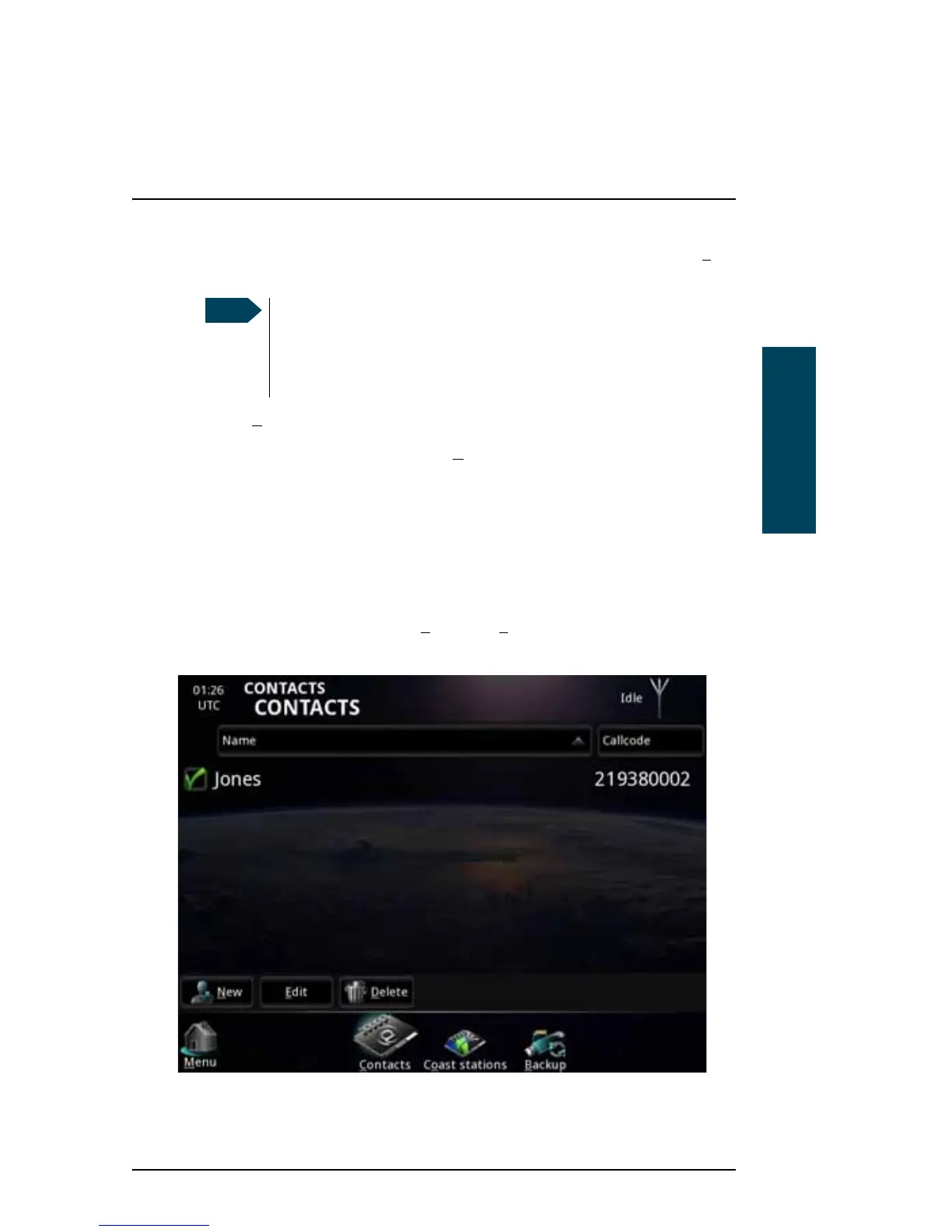
Contacts - individual
The main Contacts page contains two lists: A Contacts list and a Coast station
list.
To see your list of contacts, select C
ontacts > Contacts (may already be
selected).
You must always enter a transmit frequency, even if it is not used
(e.g. for NAVTEX, which is receive only). The transmit frequency
must be within a valid maritime frequency band specified by ITU.
The receive frequency must be between 490 and 27500 kHz.



 To Next Page