Chapter 2: Using the system
34 Contacts - individual
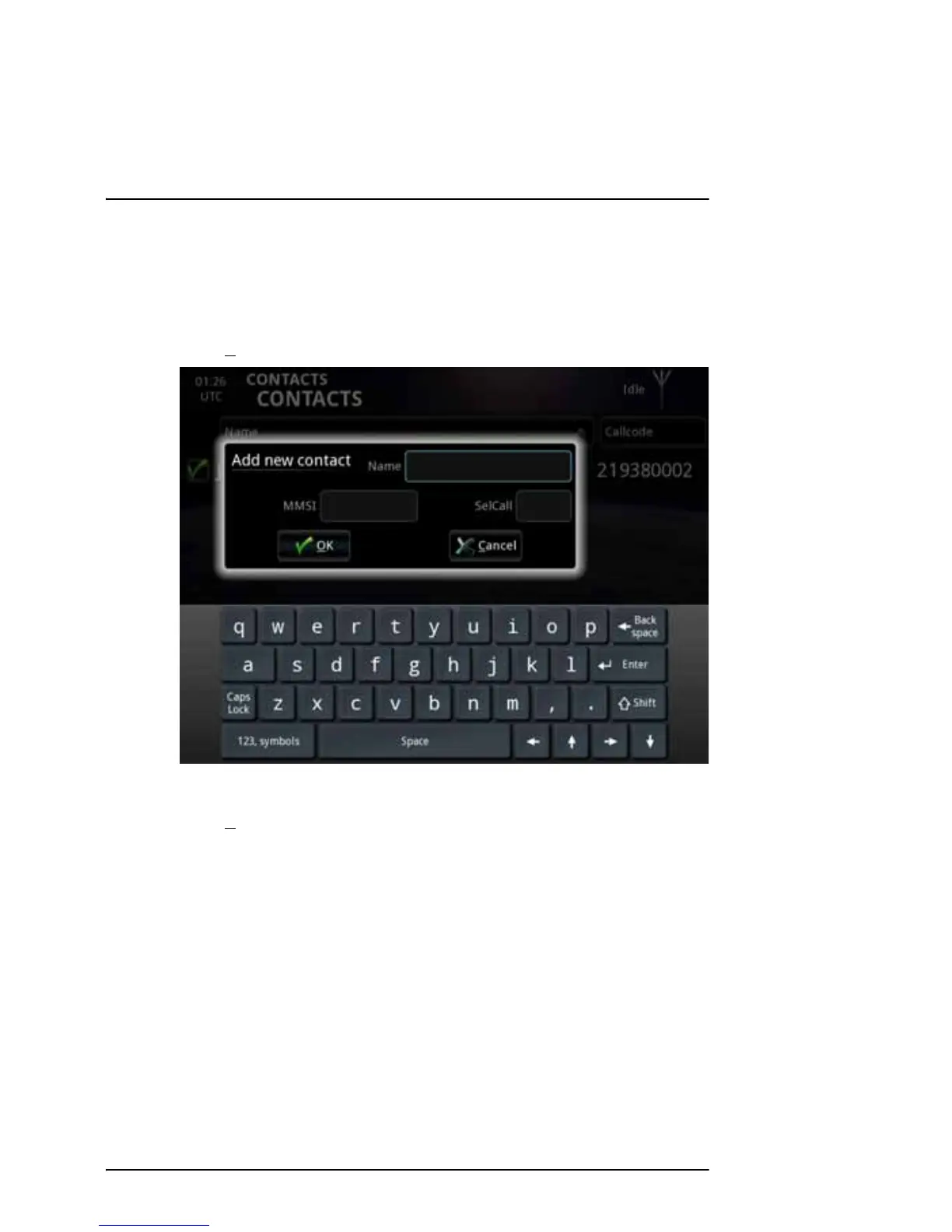
Adding a contact to the list
To add a new contact to the list, do as follows:
1. Select N
ew at the bottom of the CONTACTS page.
2. Type in the name and MMSI or SelCall number of the contact.
3. Select O
K.
The new contact is now added to the list.



 To Next Page