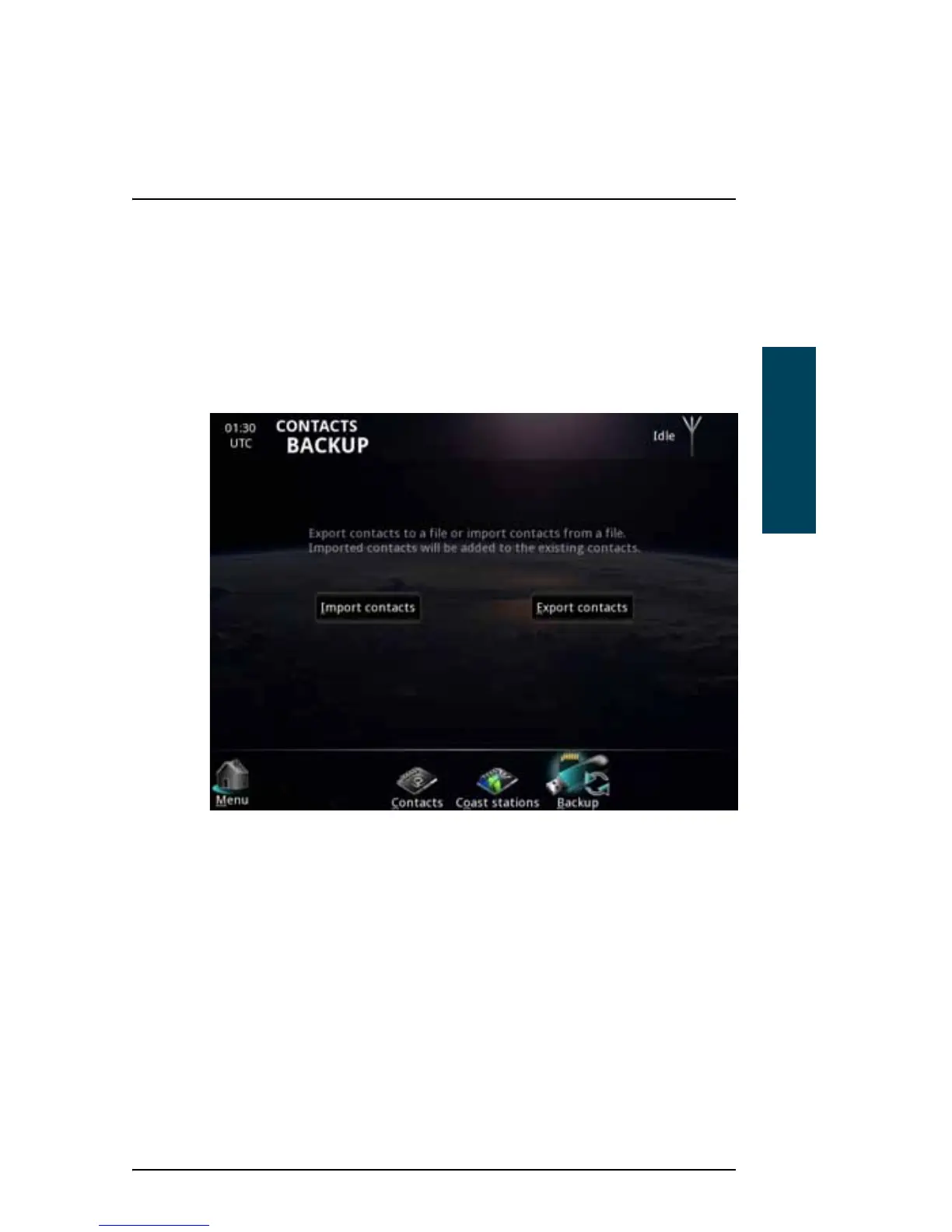
Contacts backup
You can export your contacts for later use or import contacts from a file.
To import or export your list of contacts, do as follows:
1. At the bottom of the Contacts page, select Backup.
2. Select Import contacts to import contacts from a file, or Export contacts to
export your contacts to a file for later use.
You can then browse for the location of the file.



 To Next Page