Chapter 2: Using the system
40 Contacts - Coast stations
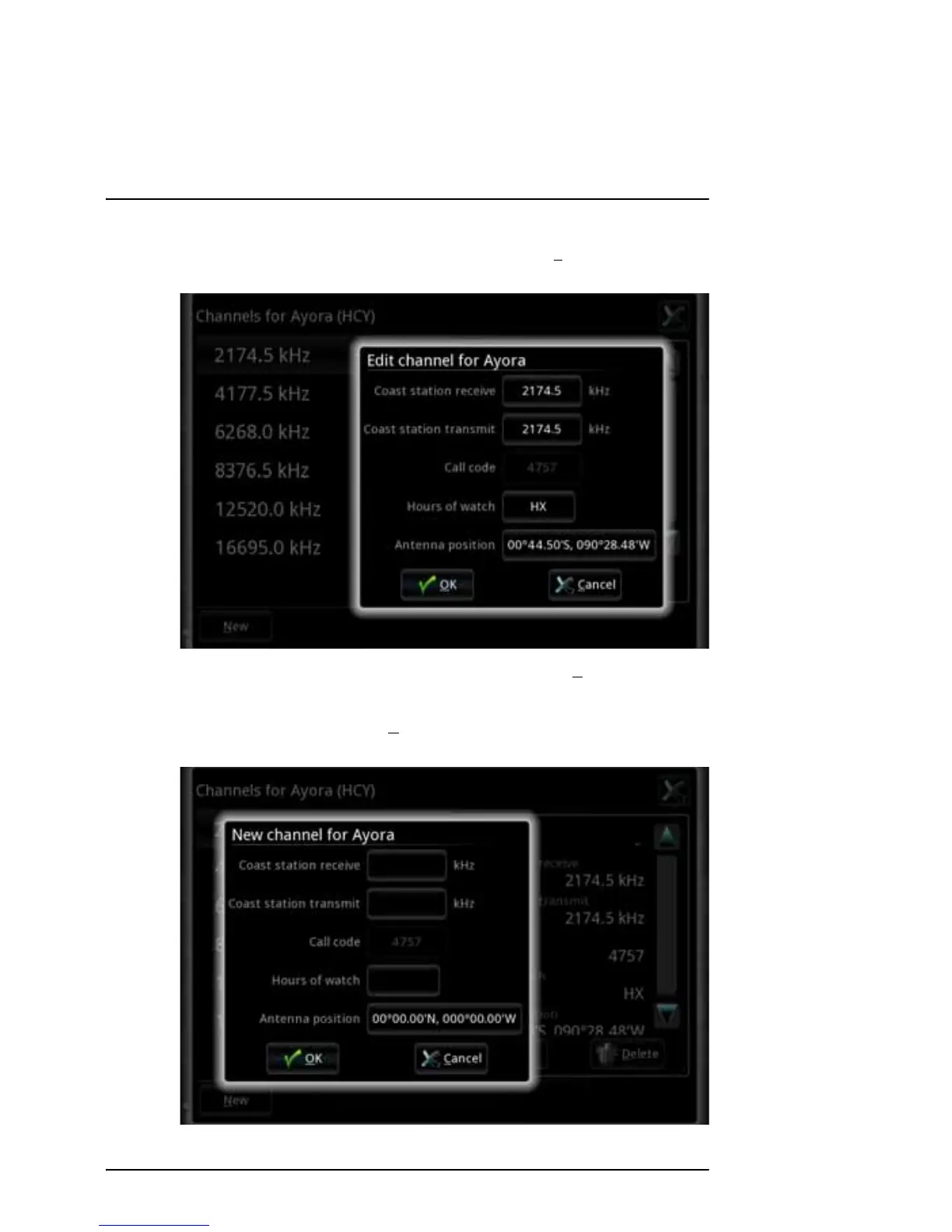
3. To edit a channel, select the channel and then select Edit. Edit the channel
and select OK.
4. To delete a channel, select the channel and then select D
elete in the small
window to the right.
5. To add a new channel, select N
ew at the bottom of the page and enter the
information for the new channel. Then select OK.



 To Next Page