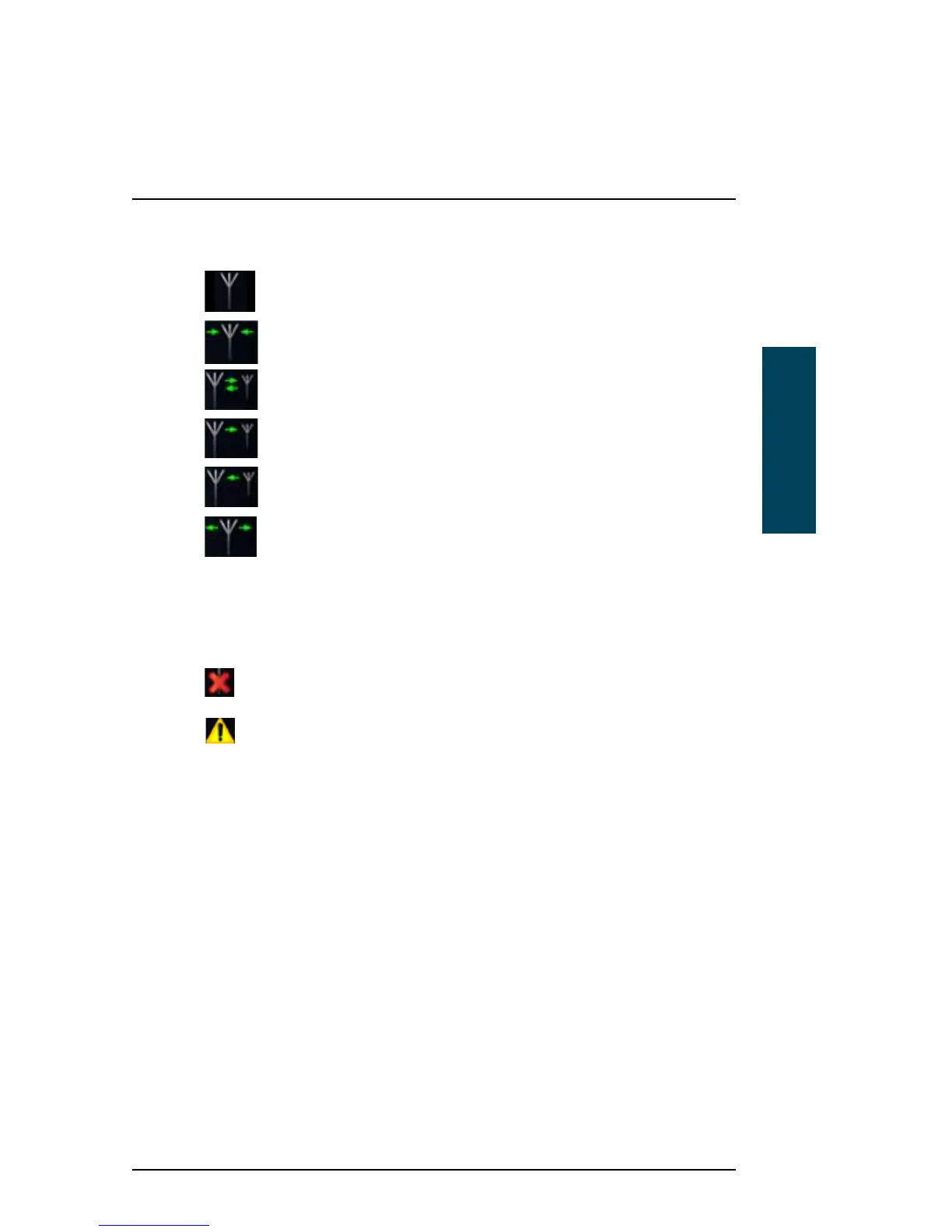
• Status/Warning icon: This icon can show:
System is idle.
System is scanning the frequencies selected in the scan list.
ARQ connection.
Outgoing selective FEC.
Incoming FEC (selective or broadcast).
Outgoing Broadcast FEC.
Red arrows instead of green arrows in the above icons mean that the
signal quality is poor.
Together with each of these symbols one of the following icons may also
appear:
Error.
Warning.
For details of warnings/errors, see Information of events on page 51.
• Power status: Shows the status of the backup battery.
• Main menu items: Select these items to access the subpages.



 To Next Page