Chapter 2: Using the system
14 Setting up a telex call
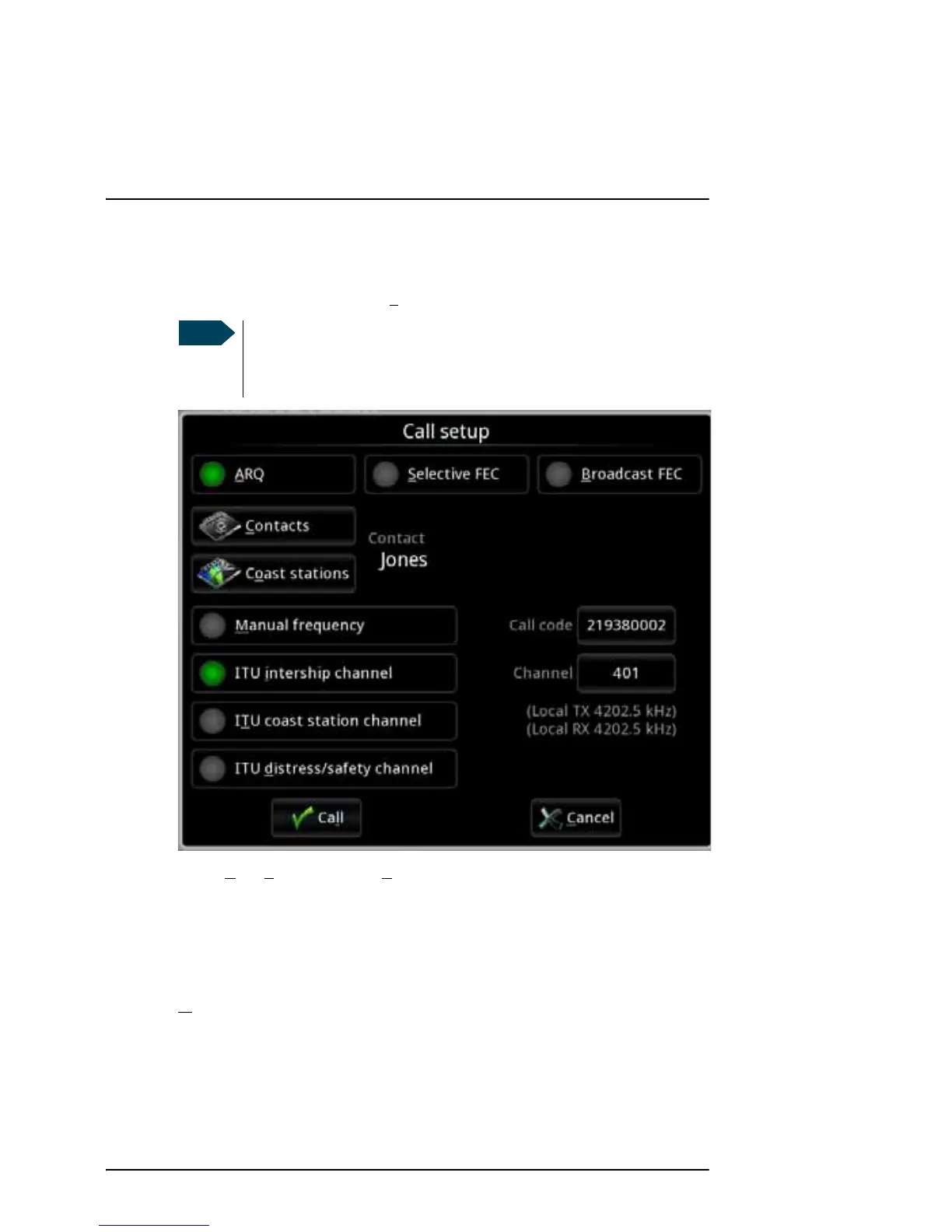
To set up the transmission mode, do as follows:
1. From the main menu, select Ca
ll.
2. Select A
RQ, Selective FEC or Broadcast FEC.
Selecting the frequency for the call
You can select the frequency for your call in one of the following ways:
• M
anual frequency: Allows you to type in the frequency in the Tx freq and Rx
freq fields (Rx is only relevant for ARQ calls).
When you select a coast station from the Coast stations list, the primary
frequencies are listed, and you can select the frequency to use.
If Telex is not selected in the MF/HF radio you get a warning that
the radio is occupied. Use the Mode button on the radio to switch
to Telex.



 To Next Page