Chapter 2: Using the system
30 Scanning frequencies
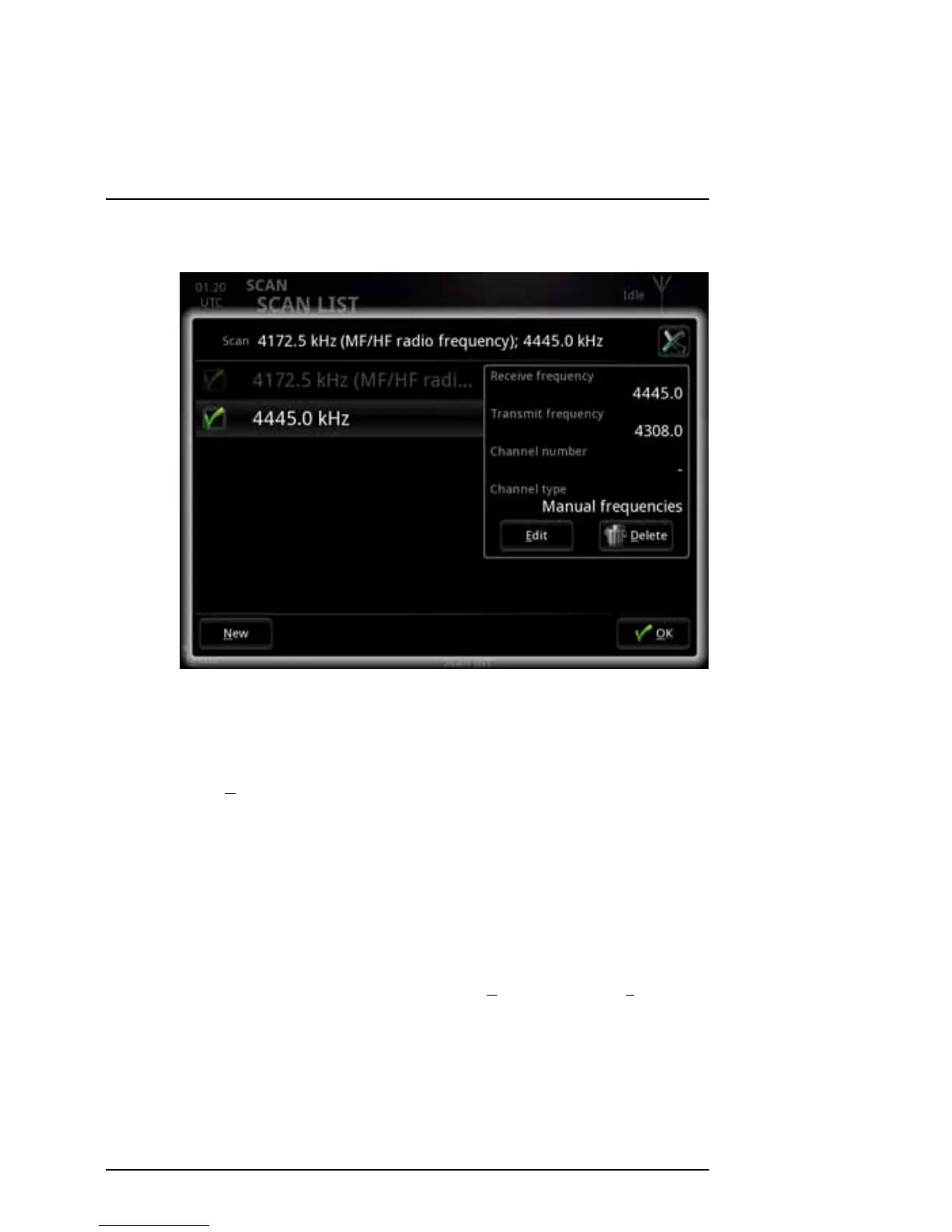
The list opens.
The green check marks show which frequencies are to be scanned.
2. To enable scanning of a frequency in the list, select the box next to the
frequency.
3. Select O
K.
To change or delete a frequency in the list
1. Open the scan list as shown above.
2. Select the frequency (not the box).
The selected frequency is shown in the right side of the window.
3. To delete the frequency from the list, select D
elete. Then select Yes.



 To Next Page