EasyManua.ls Logo

Sailor 6300 - Page 55

Sailor 6300
70 pages
Print Icon
To Next Page IconTo Next Page
To Previous Page IconTo Previous Page
Loading...
Chapter 2: Using the system
Power status 45
2222
Using the system
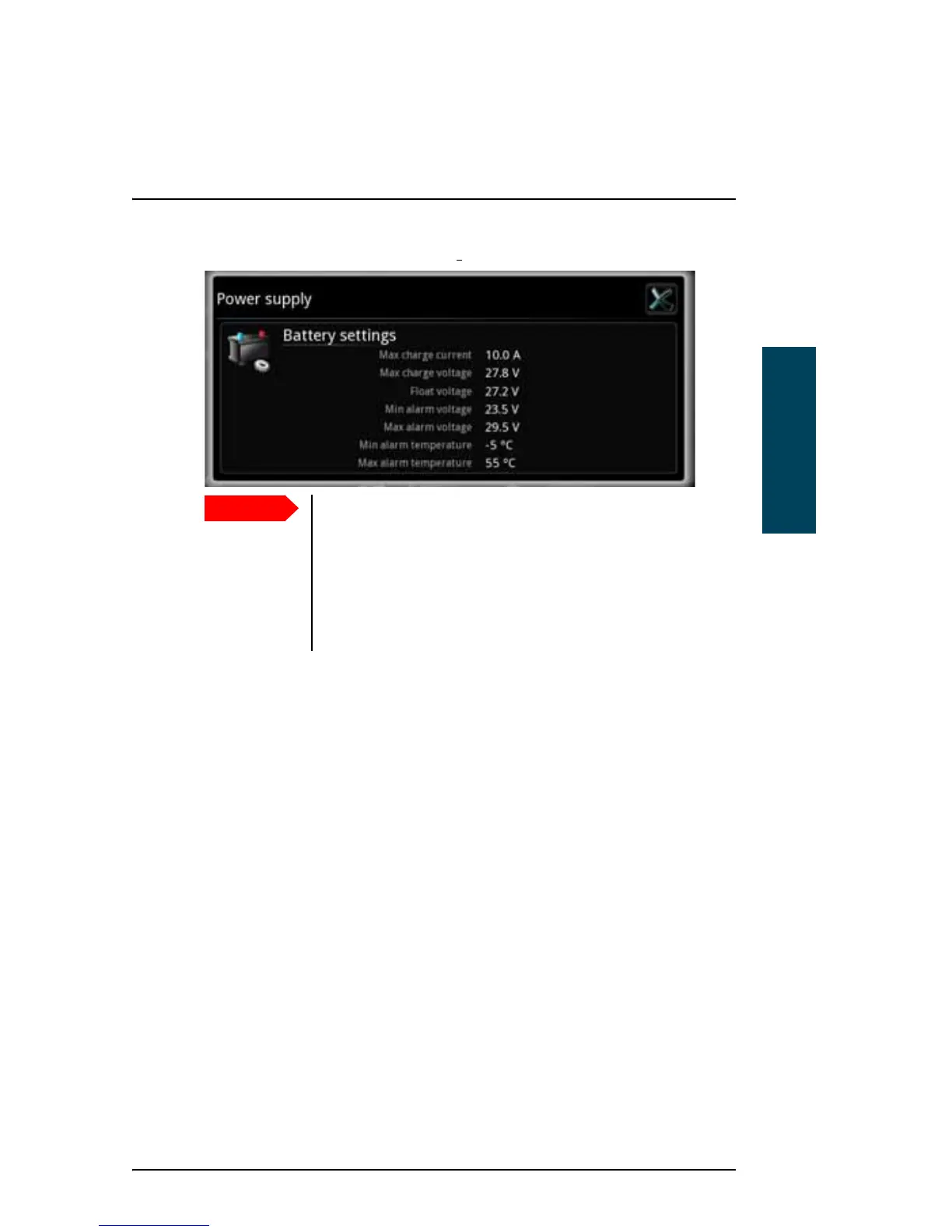
2. To see the power settings, select Settings... in the lower right corner.
Important
The default settings are suitable for most installations. Do
not change these settings unless you have a special battery
type or installation that requires different settings. Only
skilled personnel should change the power settings.
For information on how to change the settings, refer to the
installation manual for the MF/HF radio [2].

Other manuals for Sailor 6300

Related product manuals