minutes for all sensors to stabilize. The temperature can be adjusted or
calibrated later to match each other or a known source.
3. Remote Sensor Installation
If you mount one or more of the sensors outside, it is recommended
you mount the sensor(s) on a north facing wall, in a shaded area.
Direct sunlight and radiant heat sources will result in inaccurate
temperature readings. Although the sensors are water resistant, it is
best to mount in a well protected area, such as under an eve. Use a
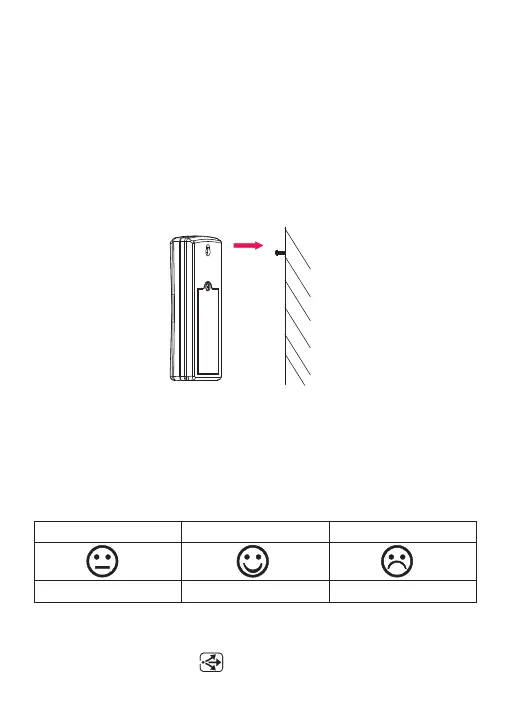
screw or nail (not included) to affix the remote sensor to the wall, as
shown in Figure 6.
Figure 6
4. Display Features
4.1 Comfort Icon
The comfort icon is based on humidity ranges specified in Figure 7 .
The icon is displayed for indoor humidity, remote channel 1-3 humidity
and optional remote channels 4 through 8 humidity.
Figure 7
4.2 Rate of Change Icon
The rate of change icon detects rapid changes in temperature.
-23-
RH<45%
RH45%~65%
RH>65%
Dry
Comfortable
Wet



 To Next Page