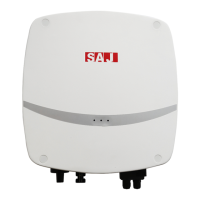
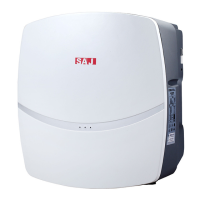
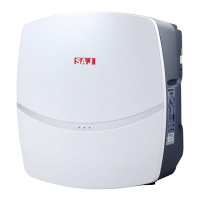
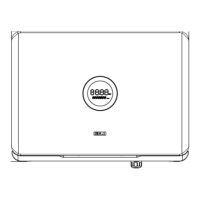
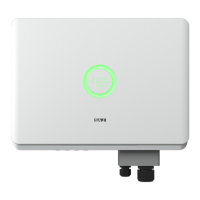
R5 Series
insulated enclosure and make them tight.
7. Connect the positive and negative connectors into positive and negative DC input
terminals of the inverter, a “click” sound should be heard when the contact cable
assembly is seated correctly.
1. Connection port
Figure 5.15 Connect the inverter
· Before inserting the connector into DC input terminal of the inverter, please make sure that
the DC switch of the inverter is OFF.
·Please use the original H4 terminal to install.


 To Next Page
 Loading...