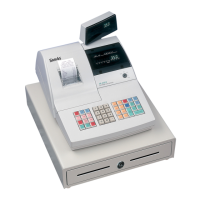
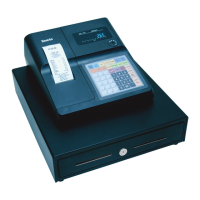
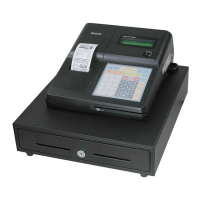
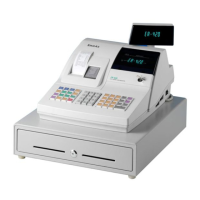
Sam4S 3xx, 4xx, 52xx Electronic Cash Register AU Getting Started • 29
Memory Clear
Memory All Clear
CAUTION: The procedures described in this area are security sensitive. Clearing all or parts of
the memory may cause damage or loss to the program. Do not share this information with
unauthorized users and distribute the special SERVICE-Mode key only to those you may want
to perform these functions.
Perform "Clear All Totals", or "Clear PLU File" if you wish to clear only parts of memory.
Complete clearing of all memory areas and installation of the default program can be done through
the following special procedure:
To Perform a Memory All Clear:
1. Turn the power switch located on the right side of the register to the OFF position.
2. Turn the control lock to the S-position (one passed P-position).
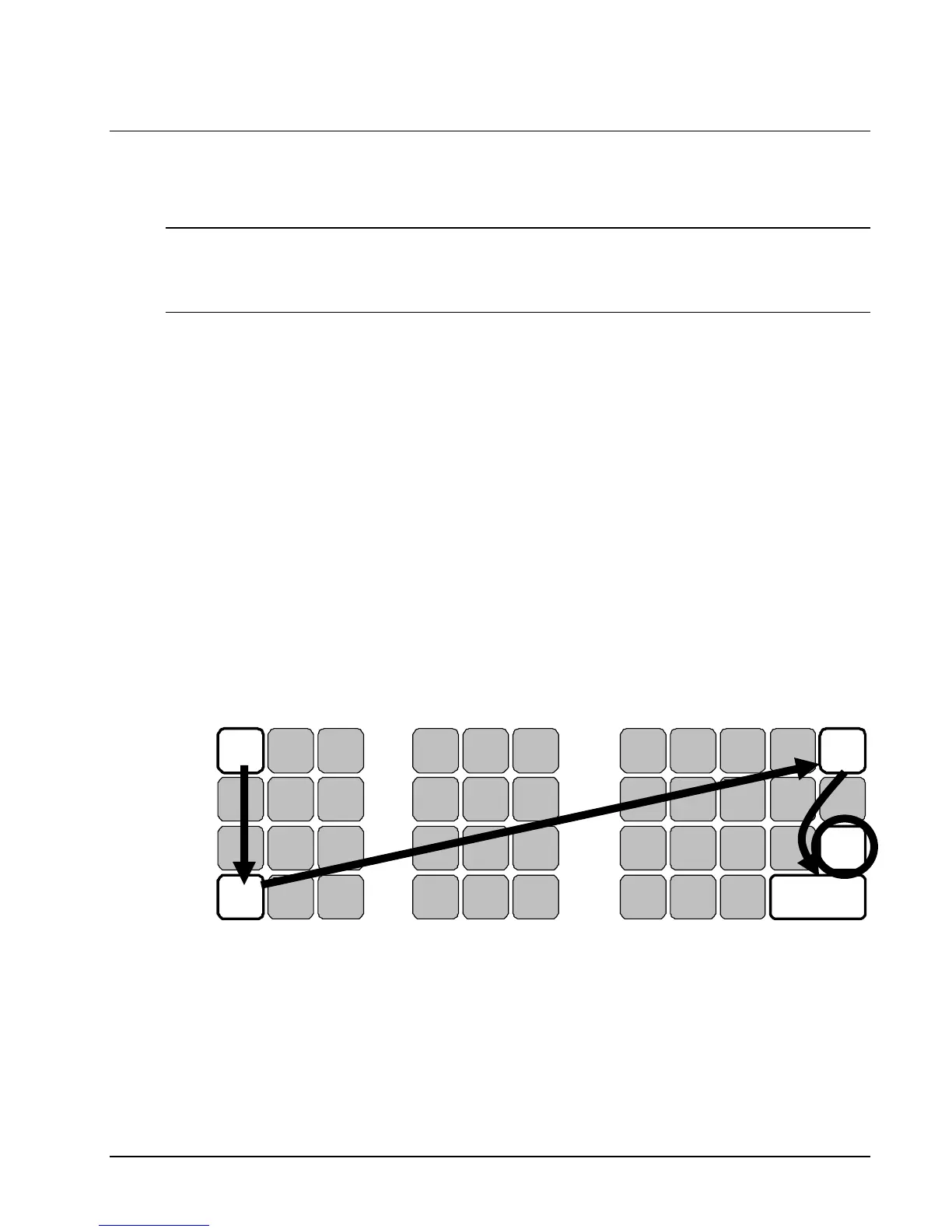
3. Press and hold the key position where the CHECK key (circled key) is located on the default
keyboard layout.
4. Continue to hold the CHECK key while turning the power switch to the ON position.
5. After hear BEEP, release the CHECK key.
6. Please see below for detail of each model:
For ER-380 and ER-380M, press the upper left key (FEED) of the keyboard, then the lower
left key (#/NS), then the upper right key (PLU 16), and finally press the lower right key
(CASH).
2
O
6
K
2
3
B
CANCEL
1
H
VOID
E
RETURN
S
10
Y
CHECK
SUB
TOTAL
5
P
7
L
3
6
C
%1
4
I
MOD 1/
SHIFT
F
RECEIPT
On/Off
T
11
Z
15
W
13
Space
00
N
5
J
1
Dbl Size
.
A
#/NS
0
CLEAR
D
PLU
R
9
CASH
8
Q
8
M
4
9
FEED
7
X/TM
G
CLERK
U
12
Y
16
X
14


 To Next Page