Sam4S 3xx, 4xx, 52xx Electronic Cash Register AU Operating Instructions • 67
Totaling and Tendering
There are ten tender functions available to categorize sales. CASH and CHECK are individual keys
on the keyboard
Totaling a Cash Sale
1. Register the items you wish to sell.
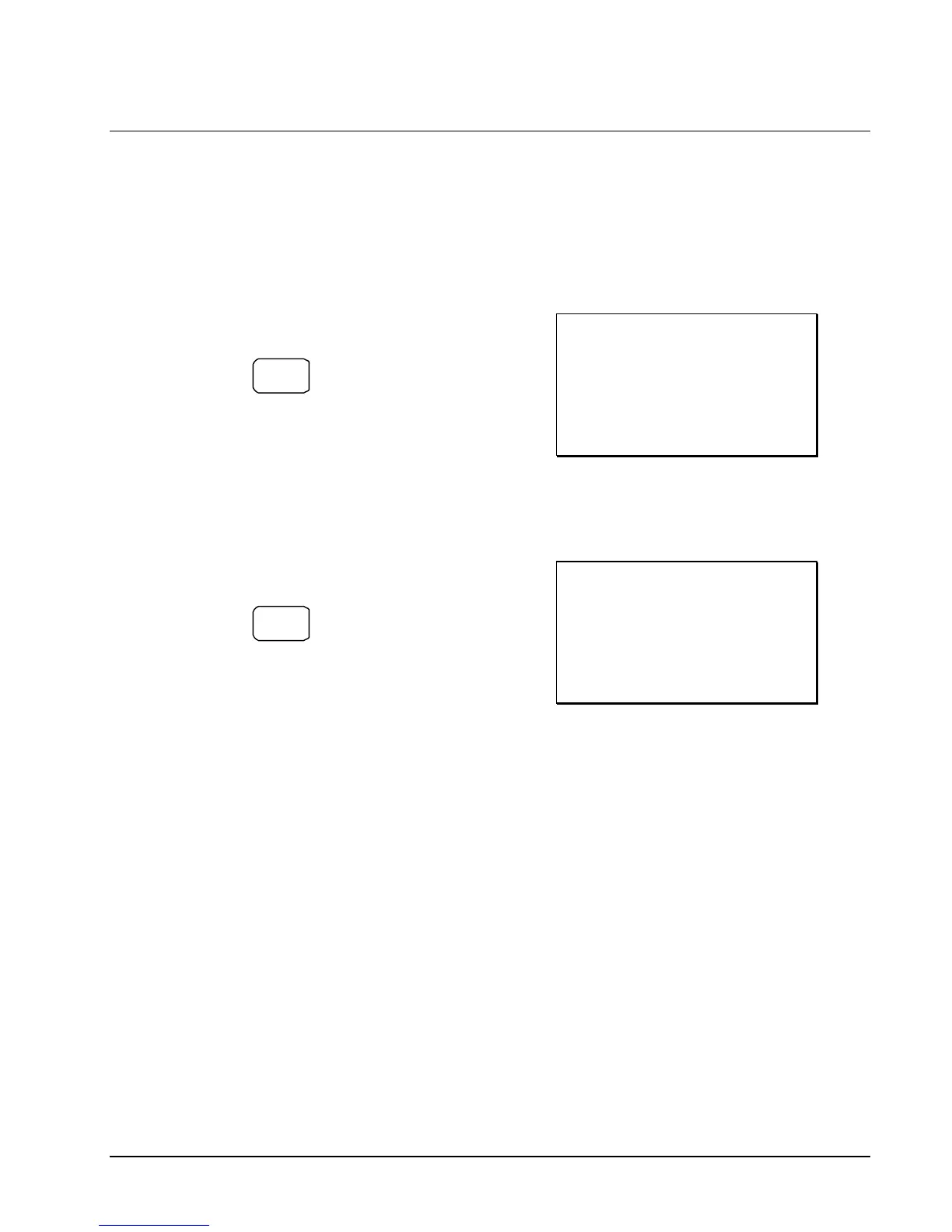
2. To total a cash sale, press CASH:
CASH
3. The display will indicate the total amount
of the cash sale.
Receipt Example:
THANK-YOU
CALL AGAIN
DATE 15/01/2003 WED TIME 08:33
PLU2 $7.96
TOTAL $7.96
CASH $7.96
CLERK 1 No.000011 00001
Totaling a Check Sale
1. Register the items you wish to sell.
2. To total a cash sale, press CHECK:
CHECK
3. The display will indicate the total amount
of the cash sale.
Receipt Example:
THANK-YOU
CALL AGAIN
DATE 15/01/2003 WED TIME 08:33
PLU2 $7.96
TOTAL $7.96
CHECK $7.96
CLERK 1 No.000011 00001


 To Next Page