70 EB 8394 EN
Annex
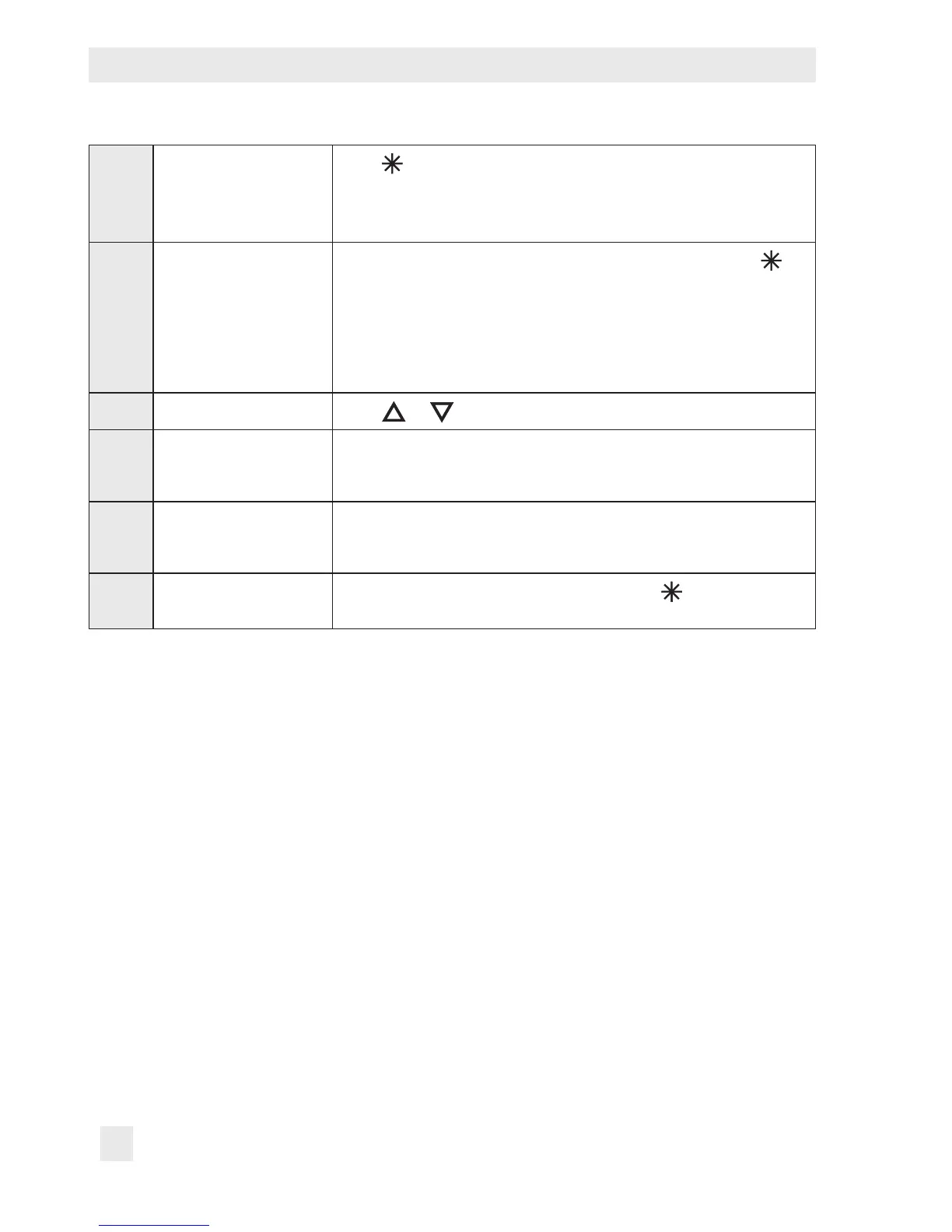
P15 Start initialization
Press
button to cancel the initialization process. As a result, the
valve moves to the fail-safe position. After a power supply failure
during initialization, the positioner starts with the values of the last
initialization (if available).
P16 Start zero calibration
The zero calibration process can be interrupted by touching
.
The control valve returns to closed-loop operation.
Note: A zero calibration cannot be started when E1 error code ex-
ists.
After a power supply failure during zero calibration, the positioner
starts with the settings from the last zero calibration.
P17 Manual mode
Press
or to enter the set point.
P18 Reset Parameters are reset to their default setting.
The positioner can only return to closed-loop operation after it has
been re-initialized.
P19 Enable conguration
[LOCK]/OPEN
Enable conguration to change parameter settings.
This function is automatically canceled when none of the keys are
touched within three minutes.
P20 Firmware version
Installed rmware version is displayed. Touch
to display the
last four digits of the serial number.



 To Next Page