KA 5578-E EN 19
Operation
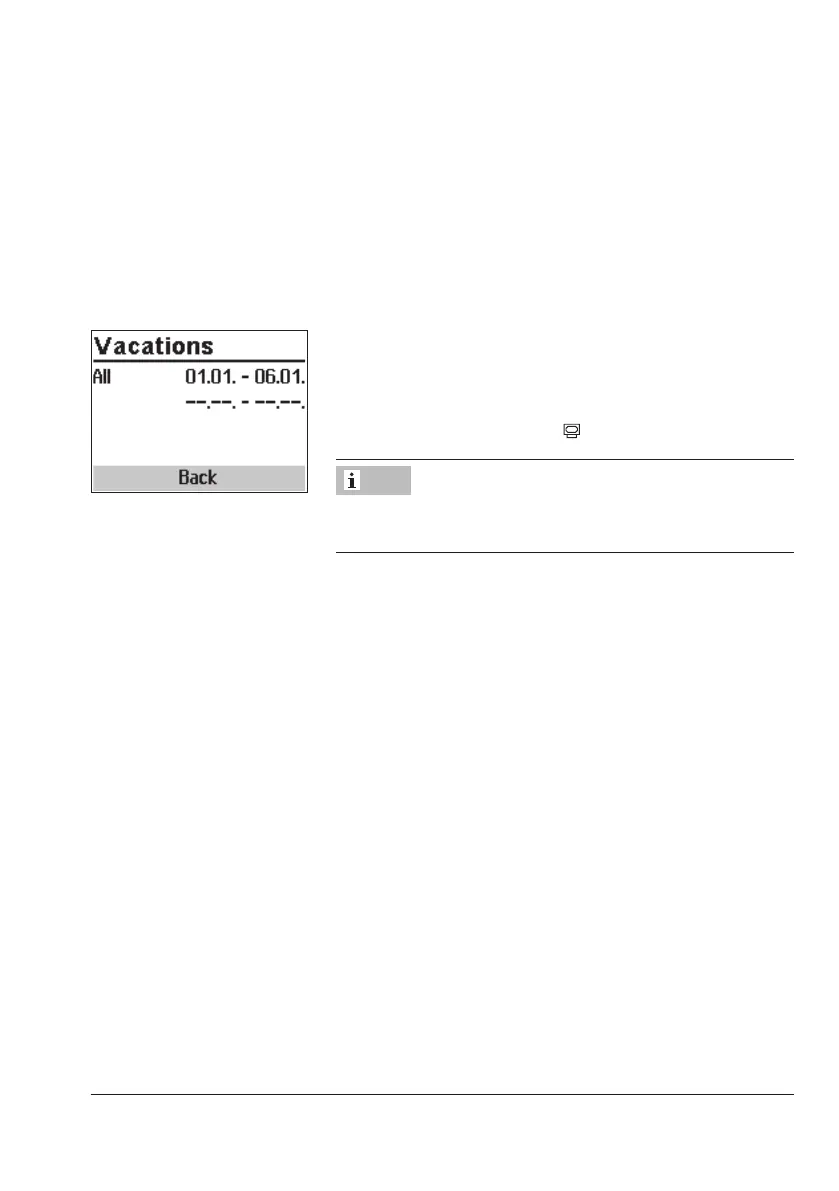
Deleting vacation periods:
q Select the start date of the period you wish to delete.
¼ Conrm vacation period.
q Select --.-- - --.--.
¼ Conrm setting.
The vacation period is deleted.
After programming all vacation periods:
q Select 'Back'.
¼ Exit the vacations setting.
Turn the rotary switch back to
(operating level).
Vacations should be deleted by the end of the year so that
they are not carried on into the following year.
Note



 To Next Page