EasyManua.ls Logo

Samsung BD-E5700 - Network Services: Disc to Digital Movie Playback; Playing Registered Digital Movies

Samsung BD-E5700
89 pages
Print Icon
To Next Page IconTo Next Page
To Previous Page IconTo Previous Page
Loading...
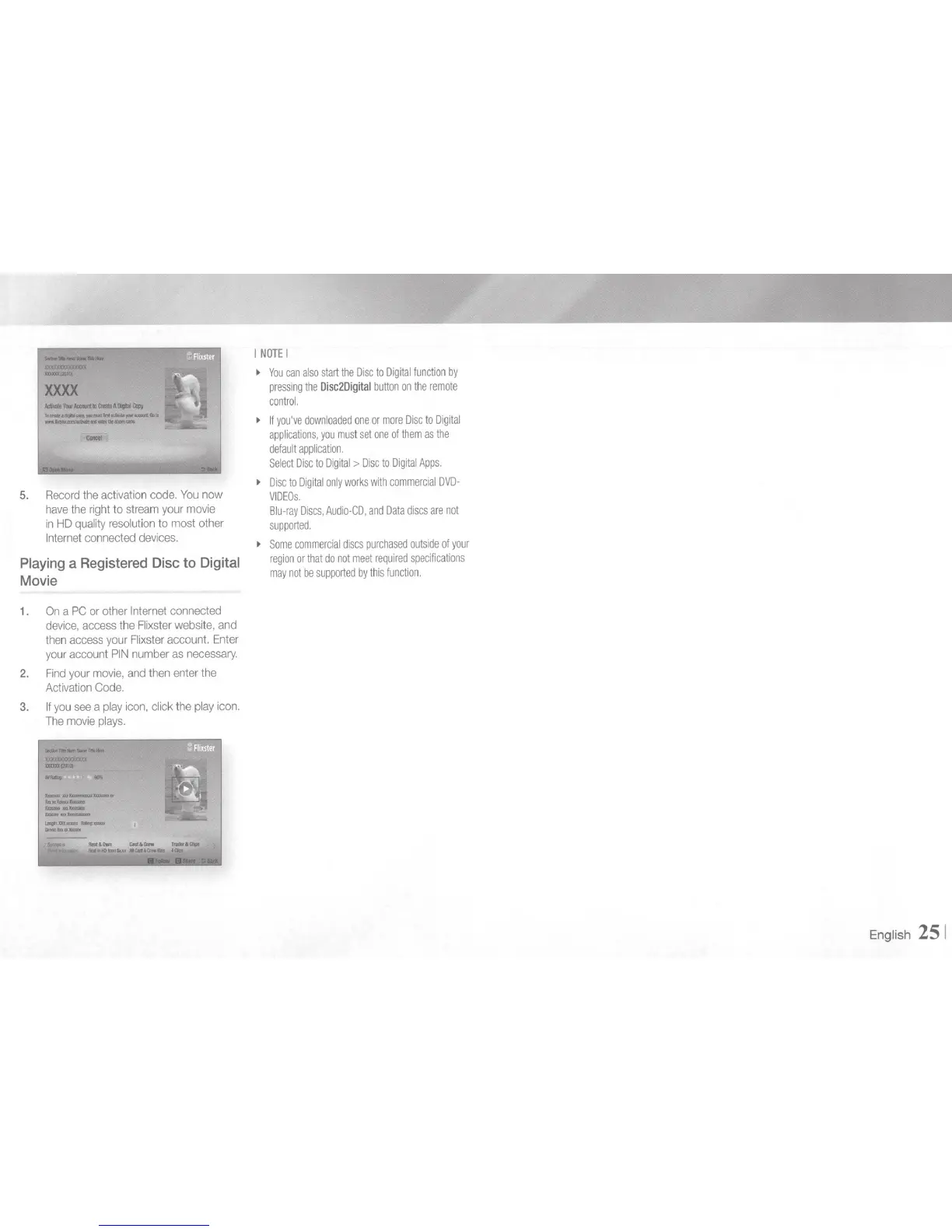
5.
Record
the
activation
code.
You
now
have
the
right
to
stream
your
movie
in
HD
quality
resolution
to
most
other
Internet
connected
devices.
Playing
a
Registered
Disc
to
Digital
Movie
1.
On
a
PC
or
other
Internet
connected
device,
access
the
Flixster
website,
and
then
access
your
Flixster
account.
Enter
your
account
PIN
number
as
necessary.
2.
Find
your
movie,
and
then
enter
the
Activation
Code.
3.
If
you
see
a pl
ay
icon,
click the
play
icon.
The
movie
pl
ays.
I
NOTE
I
~
You
can
also
start
the
Disc
to
Digital
function
by
pr
essing
the
Disc2Digital
button
on
the
remote
control.
~
If
you've
downloaded
one
or
more
Disc
to
Digital
applications,
you
must
set
one
of
them
as
the
default
application.
Select
Disc
to
Digital
>
Disc
to
Digital
Apps.
~
Disc
to
Digital
only
works
with
commercial
DVD-
VIDEOs.
Blu-ray
Discs,
Audio-CO,
and
Data
discs
are
not
supported.
~
Some
commercial
discs
purchased
outside
of
your
region
or
that
do
not
meet
requi
r
ed
specifications
may
not
be
supported
by
this
function.
Engl
ish
25
1

Other manuals for Samsung BD-E5700

Related product manuals