10
CHECKING BEFORE THE INSTALLATION
Checking before the installation
y
FCU interface module should be installed inside of FCU KIT.
y
DMS2.0 is not supported.
y
Cabel Max length
– DMS -FCU interface module : max 1000 m(3280.8 ft)
– FCU interface module -FCU KIT :max 1000 m(3280.8 ft)
CAUTION
• Install FCU that has terminal block to x power cable by screw. Do not connect power
cable by cutting.
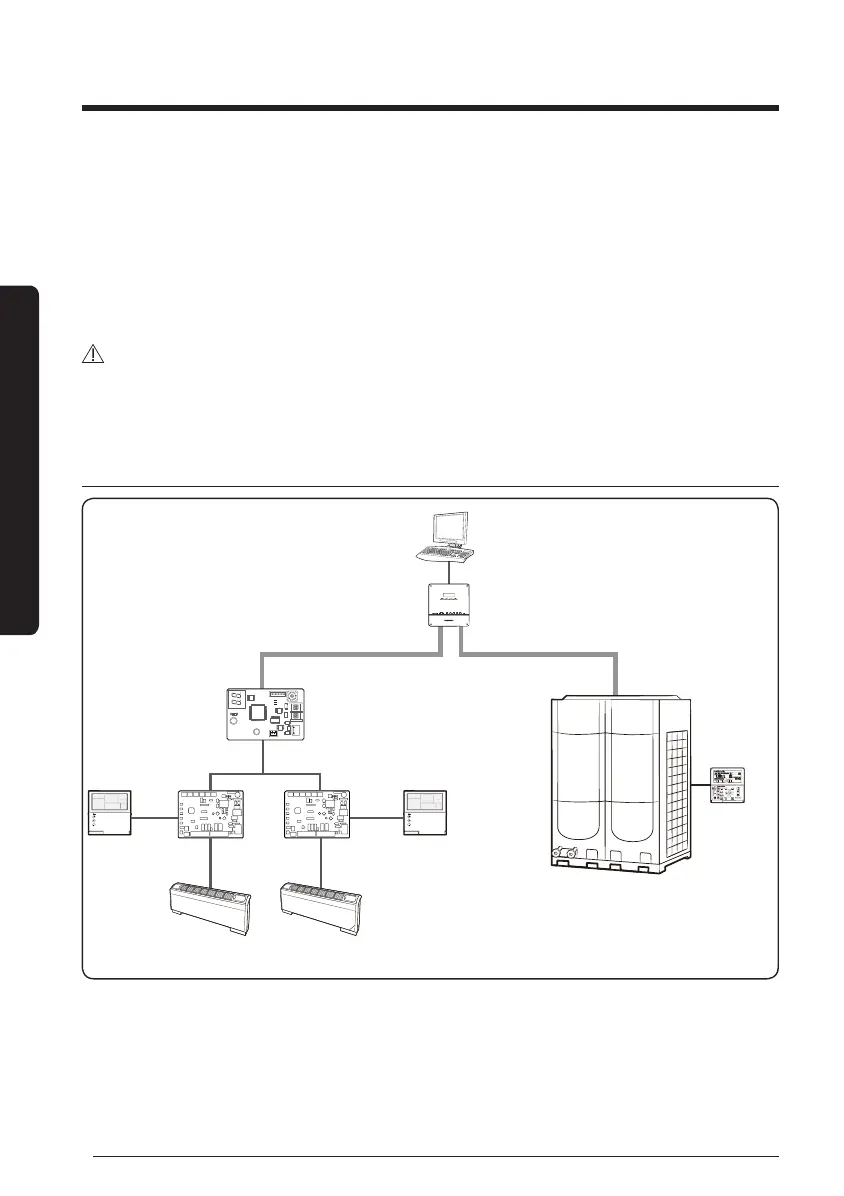
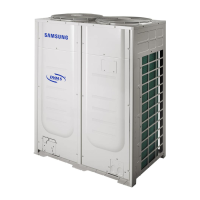
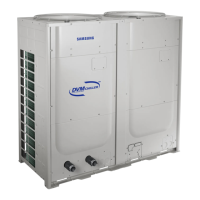
Diagram of BMS and DVM CHILLER & FCU
Connect up to 16 FCU interface modules
CN4
CN3
RED
CN2
BLK
YEL
RED
Y-GRN
BMS (for Buildings)
BACnet Gateway (MIM-B17BN) /
LonWorks Gateway (MIM-B18BN)
Module
controller
(MCM-A00N)
Wired remote controller
FCU KIT
(MIM-F00N)
DVM CHILLER
Connect up to 16 FCU KITs
FCU FCU
F3,F4
F3,F4
F1,F2
R1,R2
R1,R2





 To Next Page