Getting Started 8
Note:
You cannot charge the battery using the USB cable and
your PC.
Note:
If the battery is completely discharged, allow it to charge
for a few minutes before you try to turn on the device.
Turning Your Device On and Off
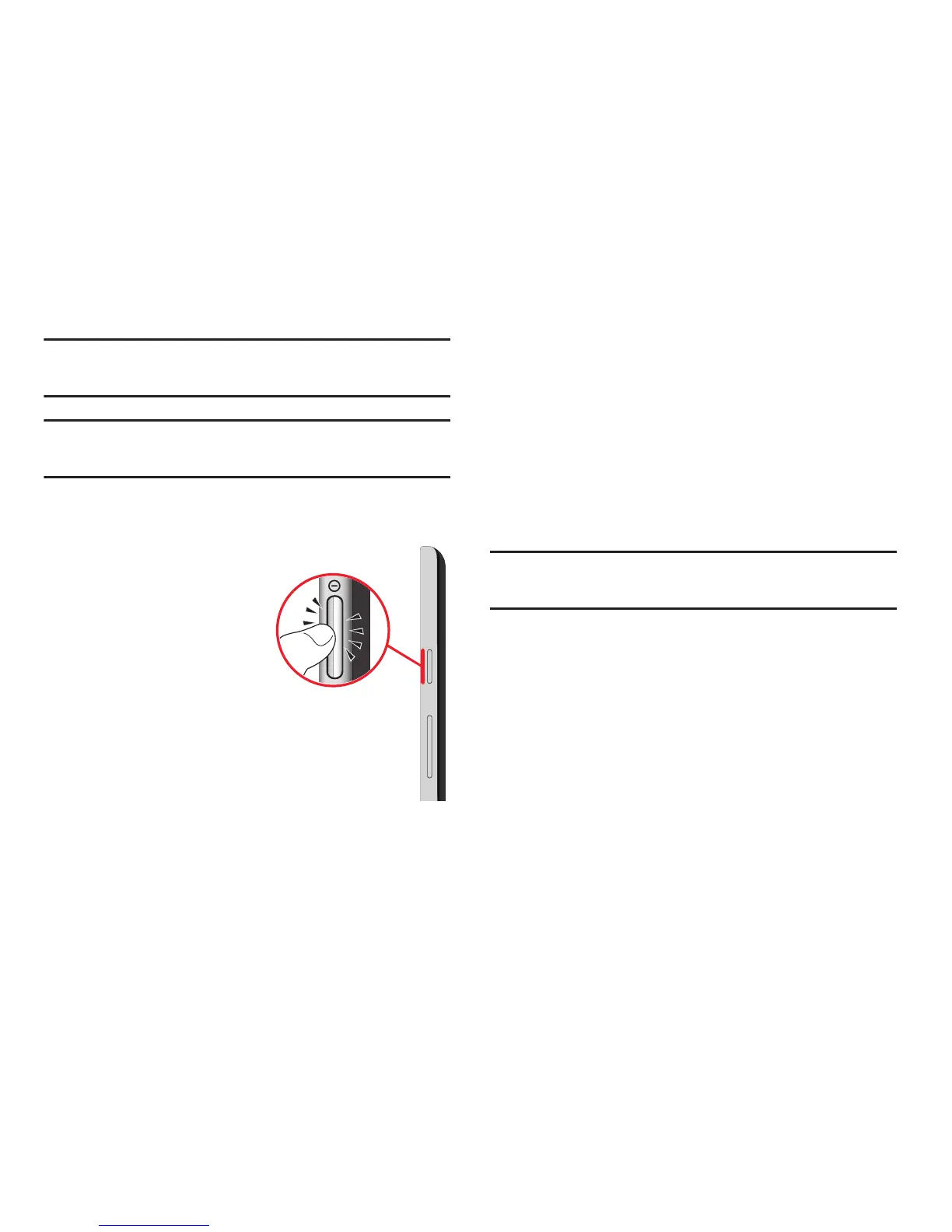
Turning Your Device On
Press and hold the
Power/Lock
Key
.
For more information, refer to
“Unlocking the Device” on
page 10.
Turning Your Device Off
1. Press and hold the
Power/Lock
Key
.
2. On the Device options
menu, touch
Power off
.
Setting Up Your Tablet
The first time you turn your device on, the Setup Wizard will
guide you through the basics of setting up your device.
Follow the prompts to choose a default language, set up
accounts, choose location services, and learn more about
your device.
Touch
Skip
to skip some screens, or touch
Back
to re-display
them.
Note:
If your screen dims or turns off, press the Power/Lock
key to continue.














 To Next Page