Understanding Your Device 12
Front and Sides
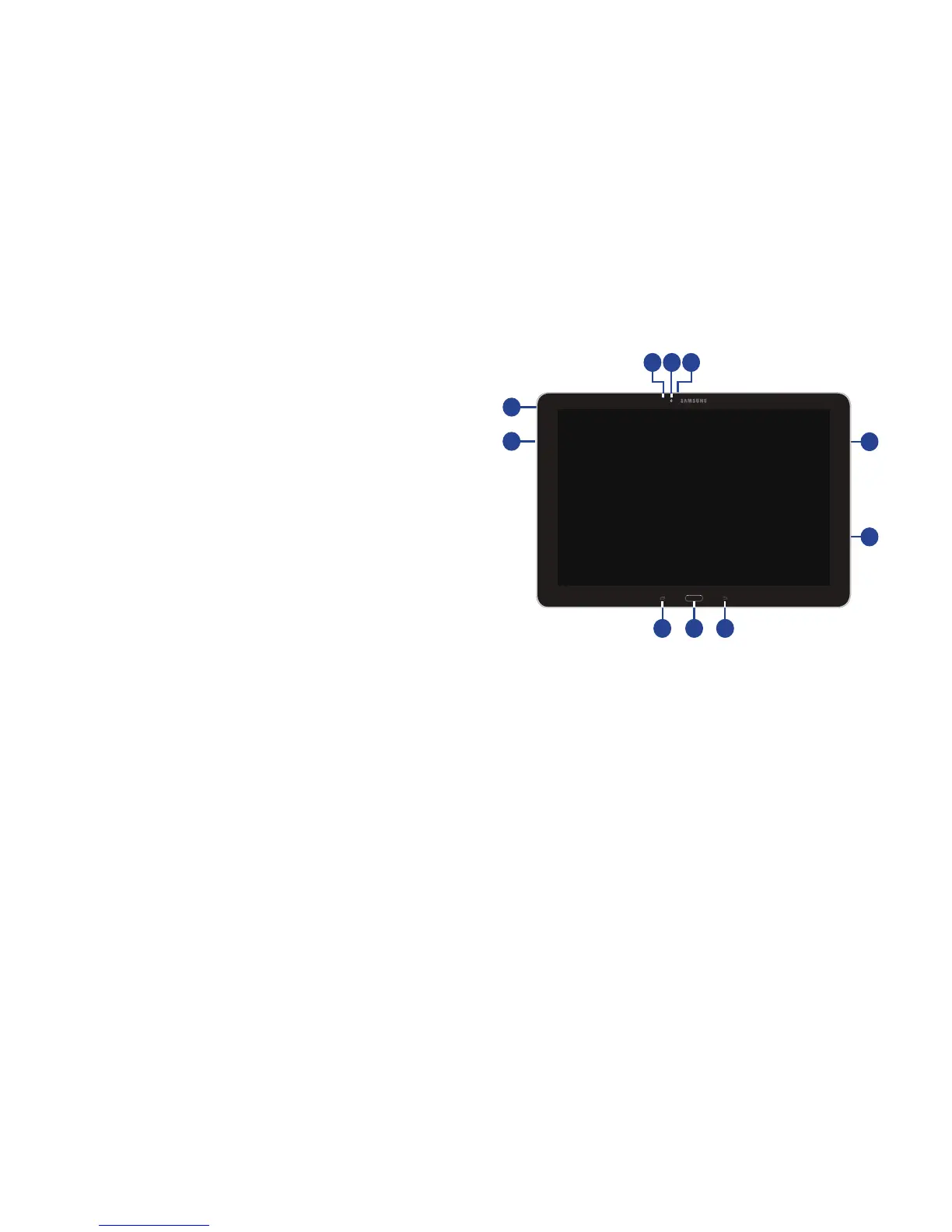
The following items can be found on the front and sides of
your device as illustrated.
1. Light Sensor: Controls screen brightness
automatically when taking photos with the front-facing
Camera.
2. Front-Facing Camera Lens: Take self-portraits and
record videos.
3. Microphone: Used for video chat
4. 3.5mm Headset Jack: Plug in for headphones.
5. External Speakers: Play music, notification tones, and
for other sounds.
6. Memory Card Slot: Install a memory card for storage
of files.
7. Recent Key: Display a list of recently-used
applications.
8. Home Key: Display the main Home screen. Touch and
hold to display Google Now. See “Google Now” on
page 97.
9. Back: Return to the previous screen or option.













 To Next Page