23
SPen
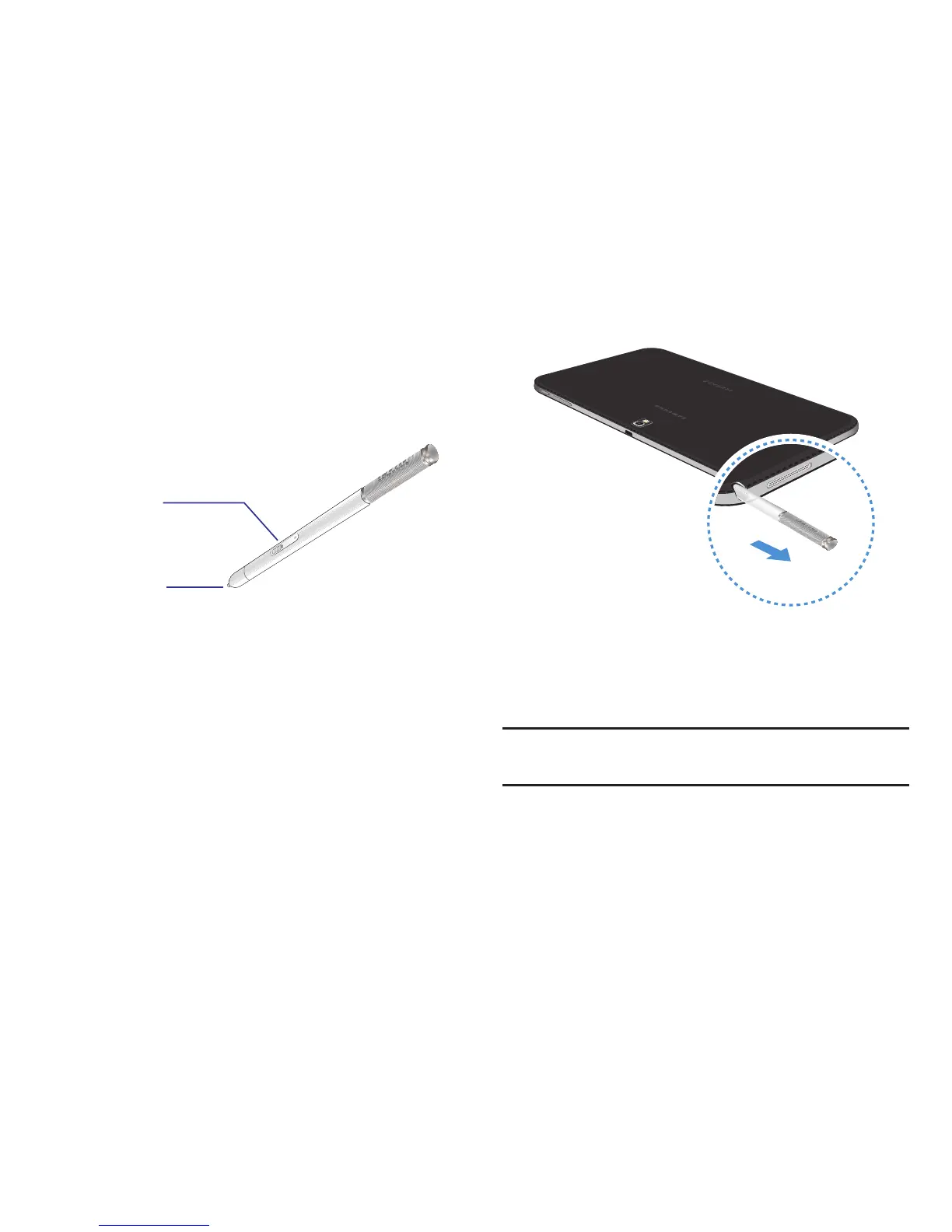
The S Pen is a stylus that assists you in performing different
functions. By using the Pen button, you can minimize having
to switch between touch and pen input.
S Pen button: Perform advanced S Pen actions.
S Pen tip: Perform basic S Pen actions.
Using the S Pen
The included S Pen can be used to easily select items or
perform functions. Actions using the S Pen with the button
pressed provide additional conveniences, such as screen
capture.
Pull out the S Pen from the slot to use it.
When you pull out the S Pen from the slot, the device detects
it and performs the following:
• Turns on the touch screen (if it is off).
• Launches action memo, or display general air commands.
Note: The pen tip of the S Pen is replaceable. If the pen tip
gets dull, replace it with a new one.














 To Next Page