63
SketchBook for Galaxy
Use this application to create a quick concept or sketch out
your idea for a project.
Note: The SketchBook app must be installed before you can
use it. Touch OK on the pop-up and follow the onscreen
instructions.
1. From a Home screen, touch Apps ➔
Samsung folder ➔ SketchBook for Galaxy.
2. Use artistic tools to draw and paint your digital art. The
image is saved in Gallery.
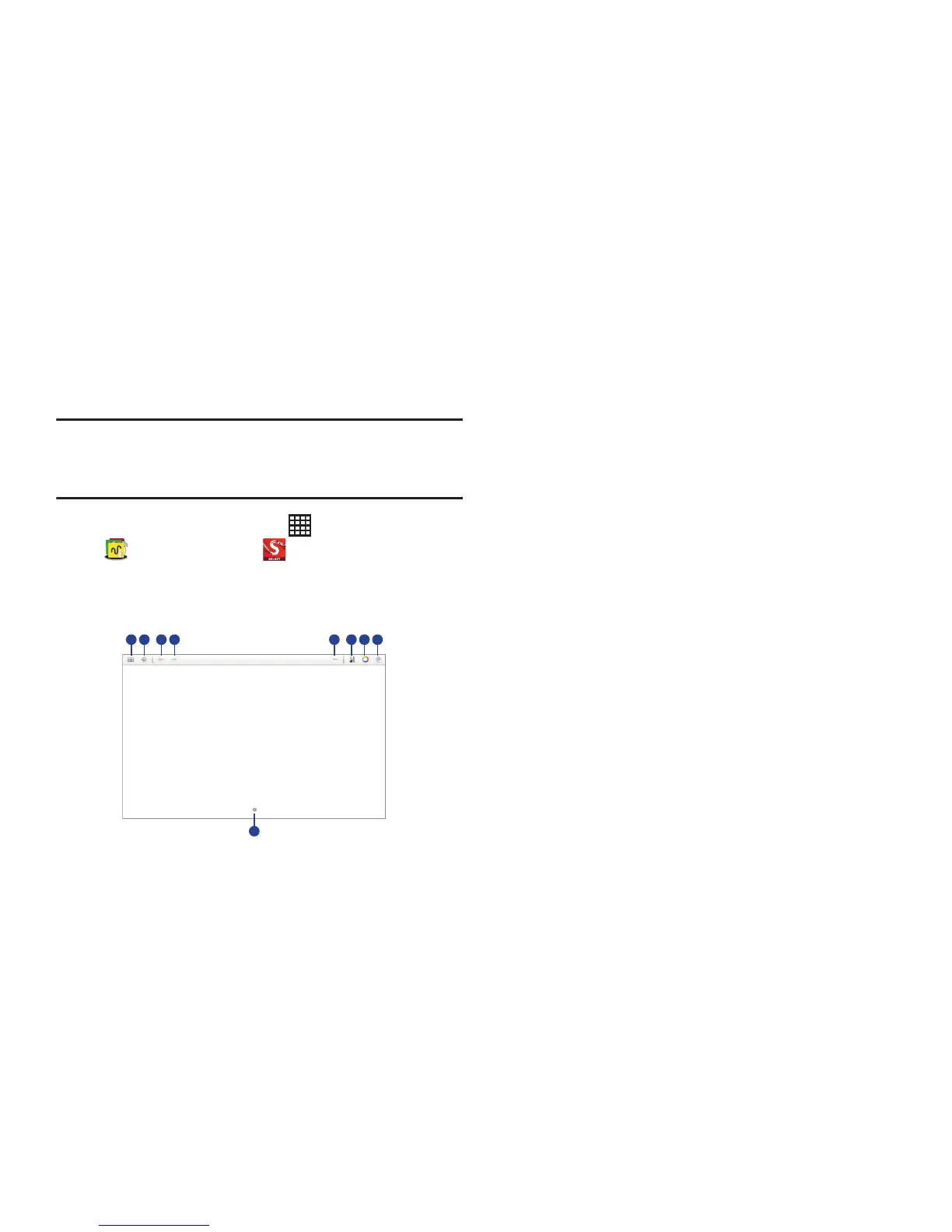
Sketchbook Tools
1. Create and save a sketchbook.
2. Display SketchBook information and settings.
3. Undo the last action.
4. Redo the last action.
5. Use SketchBook tools.
6. Change the brush types and settings.
7. Change a brush color.
8. Add or delete layers.
9. Register the frequently-used tools.













 To Next Page