69
Recording Mode
Touch Options ➔ Recording mode to change
the recording mode.
•Normal: Use this mode for normal quality.
• Limit for email: Use this mode to lower quality for
sending via messages.
•Fast motion: Use this mode when recording action
scenes.
Zooming In and Out
Use one of the following methods:
Use the Volume button to zoom in or out.
Spread two fingers apart on the screen to zoom in, and
pinch to zoom out.
Note: The zoom in and out effect is available when using the
zoom feature while shooting video.
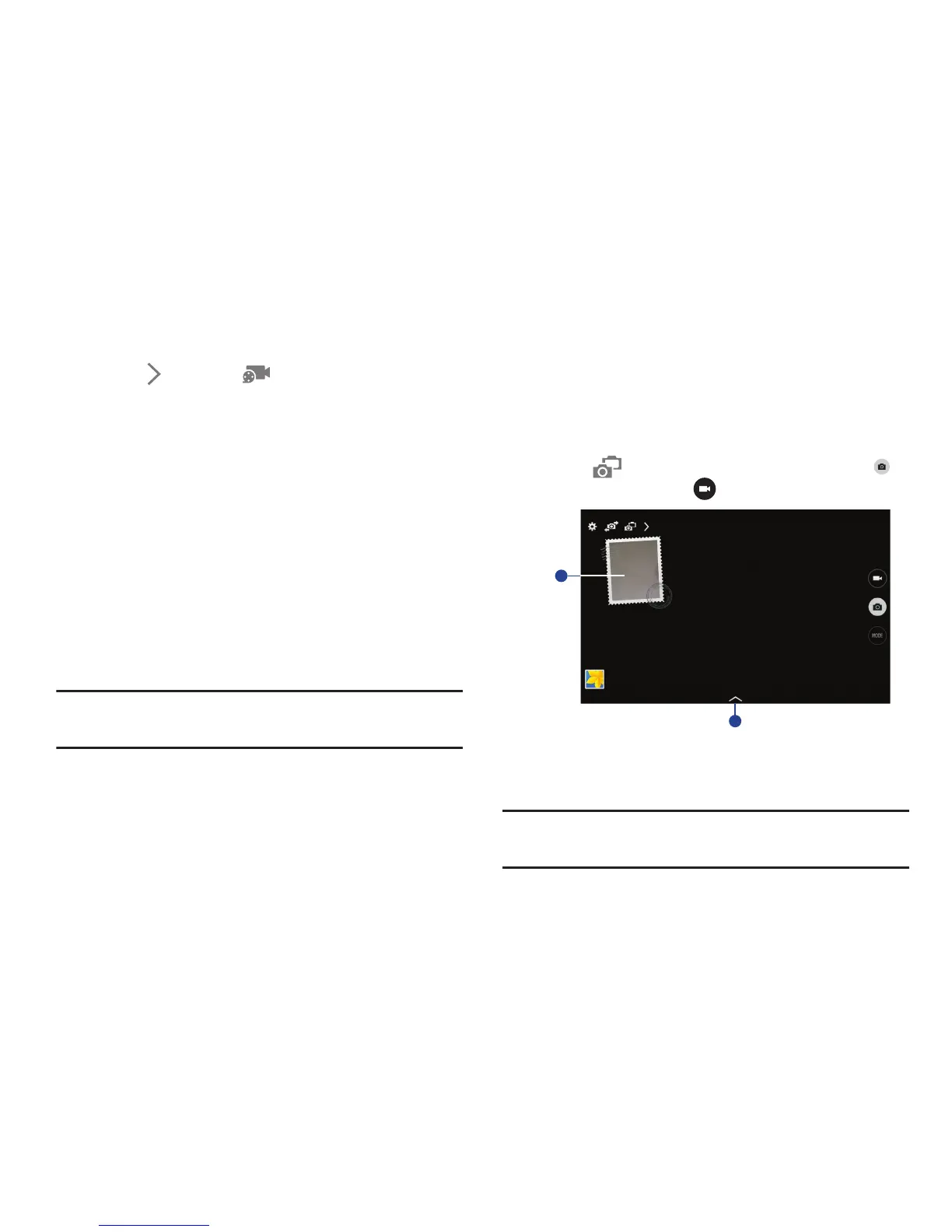
Dual Camera Mode
When you take a landscape photo with the rear camera, the
photo or video captured by the front camera appears in an
inset window, or vice versa. Use this feature to take a
beautiful landscape photo and a self-portrait simultaneously.
Touch to switch to dual camera mode. Touch to
take a photo or touch to record a video.
1. Touch the window to resize it or move it to a new
location.
2. Select various styles that are available.
Note: You can record videos in dual camera mode for up to
5 minutes in Full HD and up to 10 minutes in HD.













 To Next Page