19
Finger Gestures
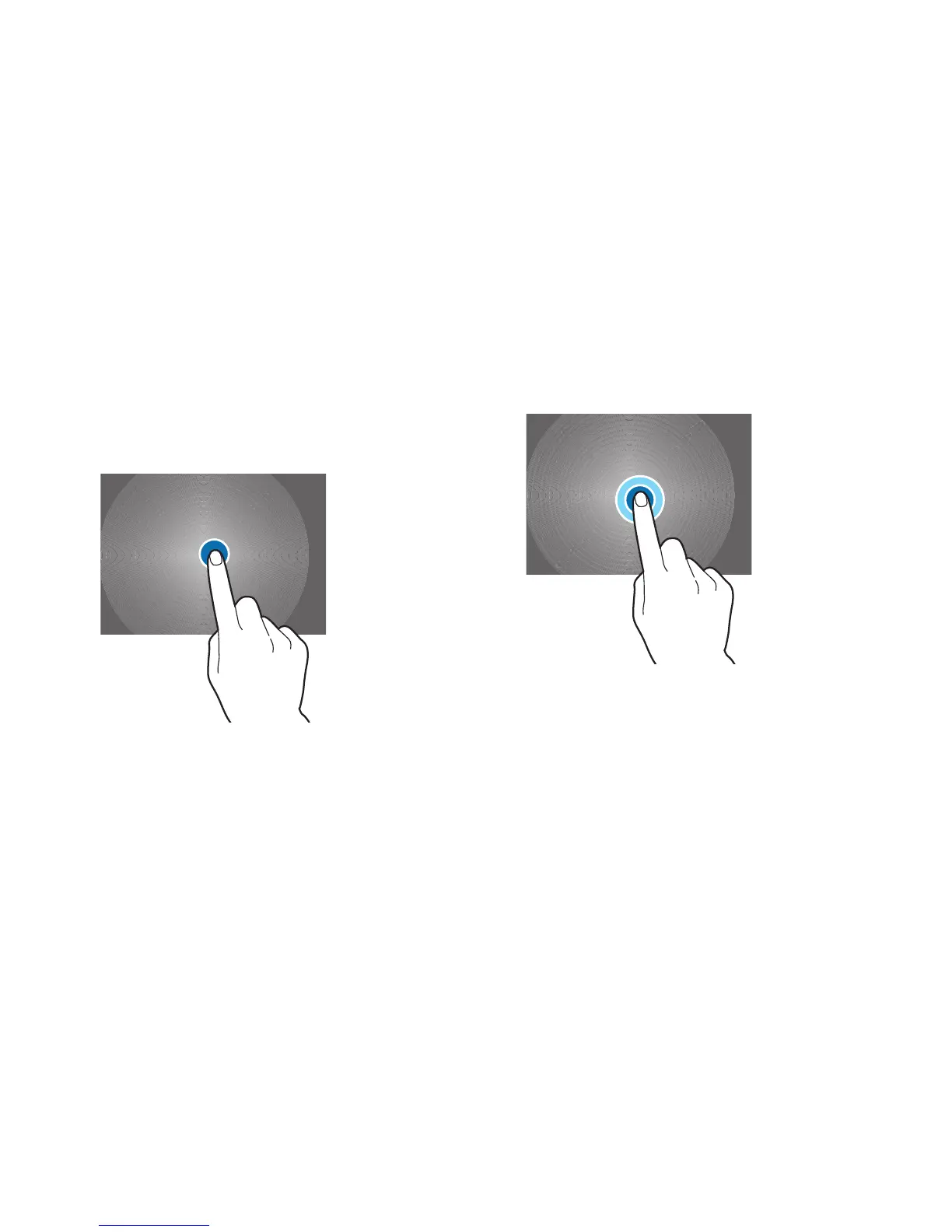
Touching
To open an application, to select a menu item, to press an
onscreen button, or to enter a character using the onscreen
keyboard, touch it with a finger.
Touching and Holding
Touch and hold an item for more than 2 seconds to access
available options.













 To Next Page