Understanding Your Device 26
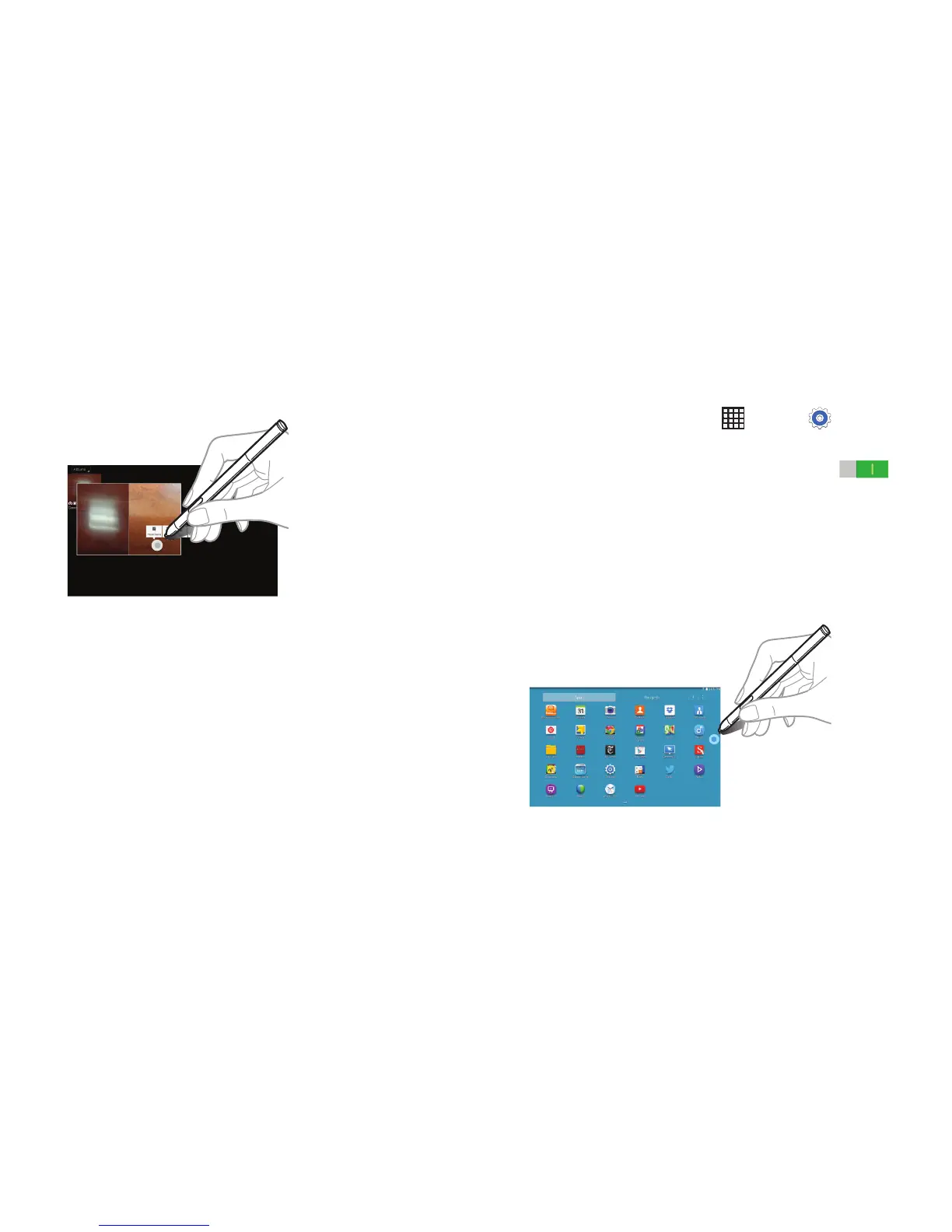
Some items have contextual menus that make the S Pen
pointer glow. Press the S Pen button to display the menu
while hovering the S Pen over the item.
Air View
Use this feature to perform various functions while the S Pen
is hovering over the screen.
1. From a Home screen, touch Apps ➔ Settings
➔ Controls tab ➔ S Pen ➔ Air view.
2. Touch the OFF/ON button to turn Air view ON .
3. Point at an item with the S Pen to preview content or
view information in a pop-up window.
4. You can scroll through panels or lists by moving the
S Pen pointer to an edge (top/bottom/left/right) of
the screen.
For more information, refer to “S Pen” on page 23.













 To Next Page