Connections 80
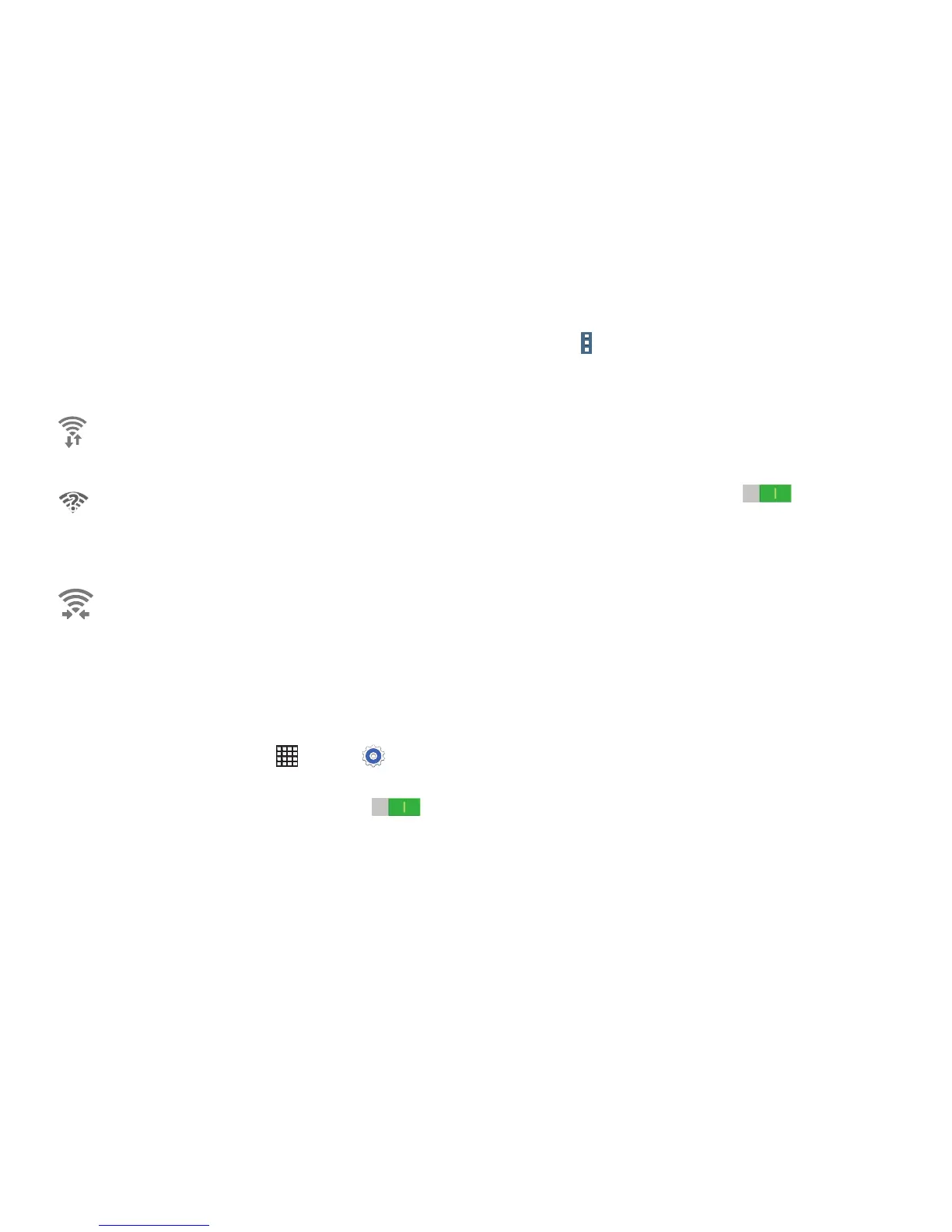
Wi-Fi Status Indicators
The following icons show your current Wi-Fi connection
status at a glance:
Wi-Fi Settings
The Wi-Fi settings menu allows you to set up many of your
device’s advanced Wi-Fi services.
1. From a Home screen, touch Apps ➔ Settings
➔ Connections tab ➔ Wi-Fi.
2. Touch the OFF/ON button to turn Wi-Fi ON .
3. Touch Menu for options:
•Advanced:
– Network notification: Receive a notification when
new Wireless Access Points (WAPs) are available.
– Passpoint: Connect to passpoint-enabled Wi-Fi
Access Points automatically. Touch the OFF/ON
button to turn Passpoint ON . Touch
Passpoint to see other available Passpoint-enabled
Wi-Fi APs.
– Sort by: Sort Wi-Fi networks by Alphabet or
Signal strength.
– Keep Wi-Fi on during sleep: Specify when to
disconnect from Wi-Fi.
– Always allow scanning: Allow Google location
service and other apps to scan for networks, even
when Wi-Fi is turned off.
– Wi-Fi timer: Specify the Starting time and the
Ending time for Wi-Fi to be automatically
connected.
– Install certificates: Install authentication
certificates.
Displays when Wi-Fi is connected, active, and
communicating with a Wireless Access Point
(WAP).
Displays when there is a Wi-Fi access point
available but you are not connected to it. May
also display if there is a communication issue
with the target Wireless Access Point (WAP).
Displays when connected to another device
using Wi-Fi Direct. For more information, refer to
“Wi-Fi Direct” on page 81.













 To Next Page