Understanding Your Device 28
Multi Window Panel
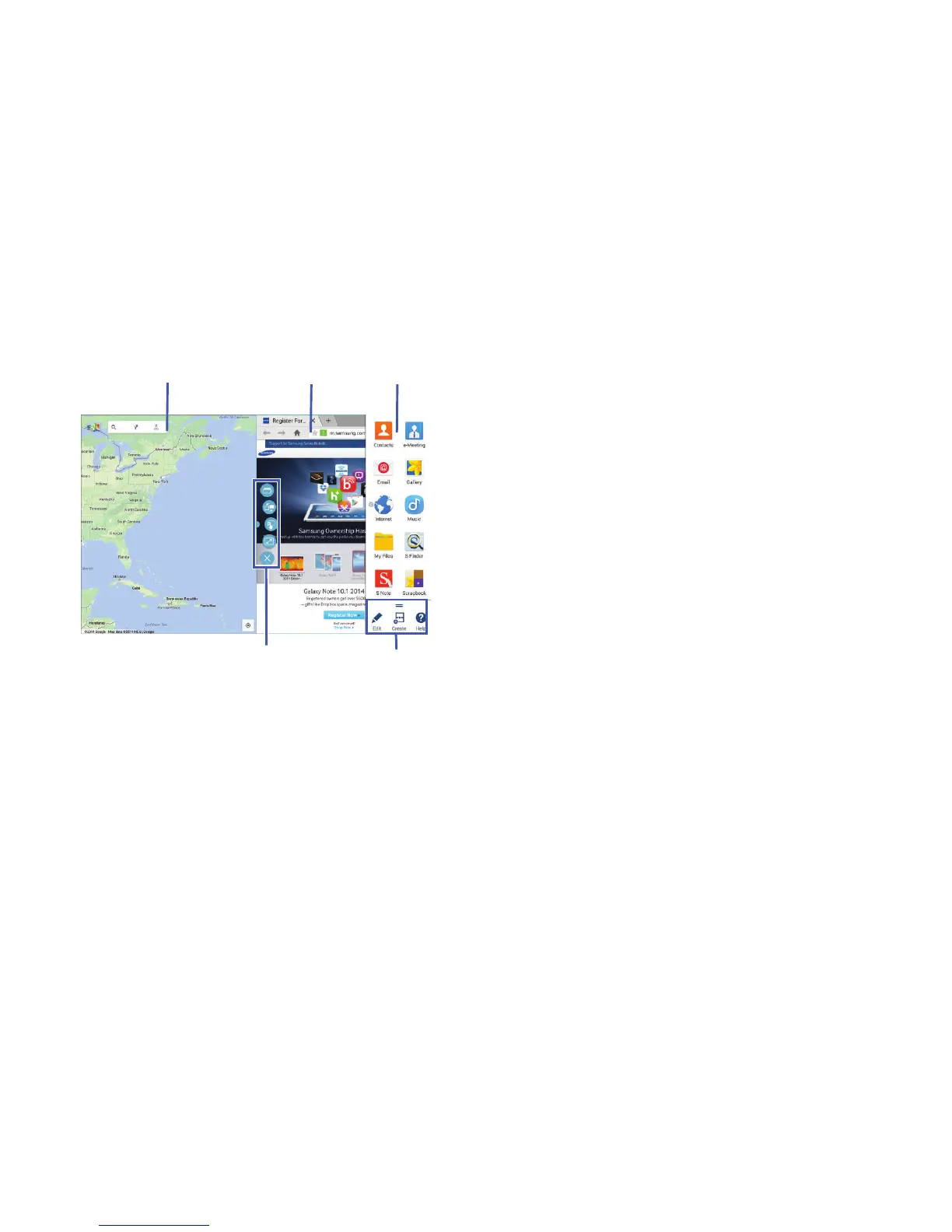
Multi window apps are displayed on the Multi window panel.
Display the Multi Window panel:
1. Activate Multi Window.
2. Swipe the right edge of the screen toward the center to
display the Multi window panel. After a few seconds,
the panel will be hidden again.
Using Multi Window Applications
You can use Multi window to run up to four applications at
the same time.
1. With Multi window activated, swipe the right edge of
the screen toward the center to display the Multi
window panel.
2. Drag an app off the panel and release. Drag up to three
more apps off of the panel and release them into one of
the highlighted windows.













 To Next Page