Understanding Your Device 20
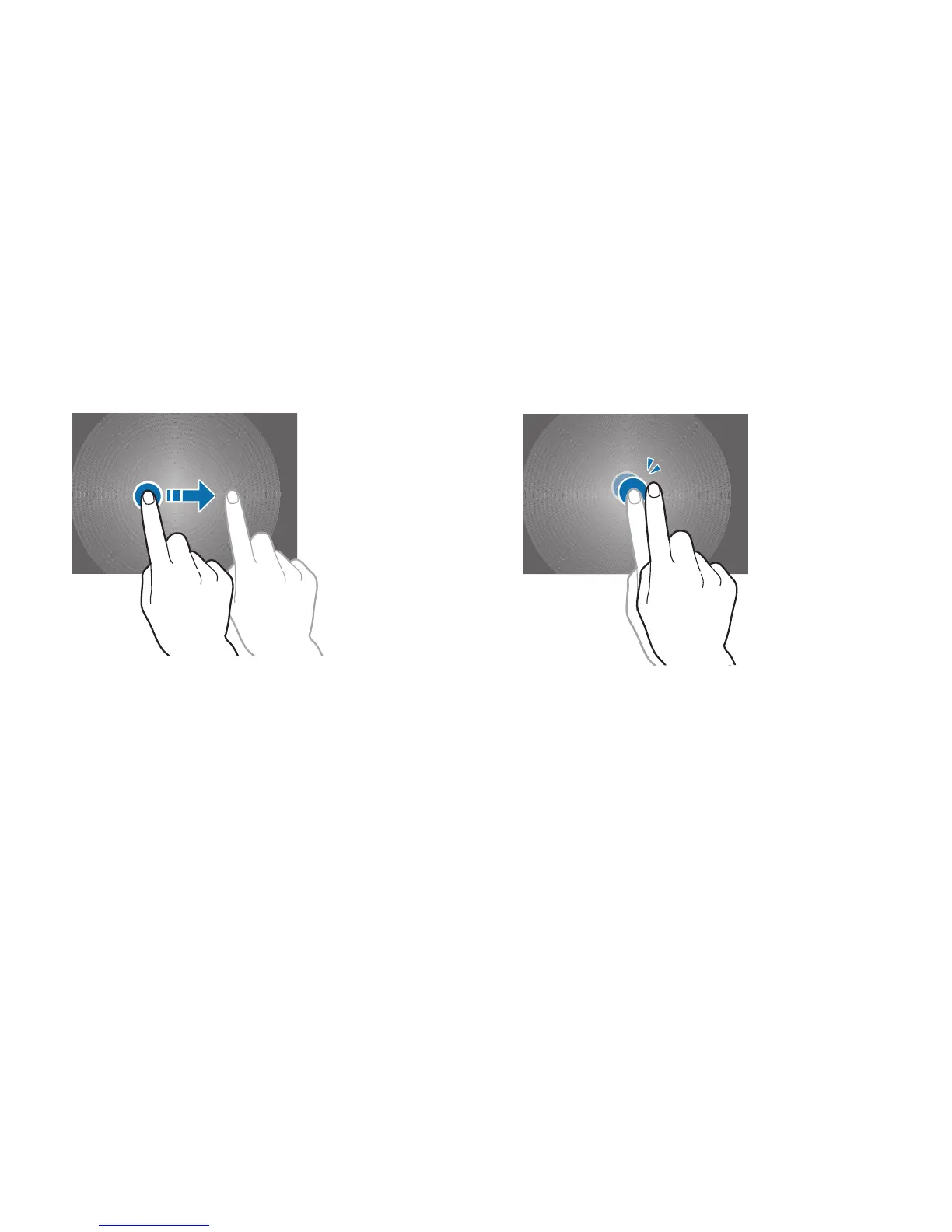
Dragging
To move an icon, thumbnail, or preview to a new location,
touch and hold it and drag it to the target position.
Double-Tapping
Double-tap on a web page, map, or image to zoom in a part.
Double-tap again to zoom out again.













 To Next Page