74
[Formatting a memory]
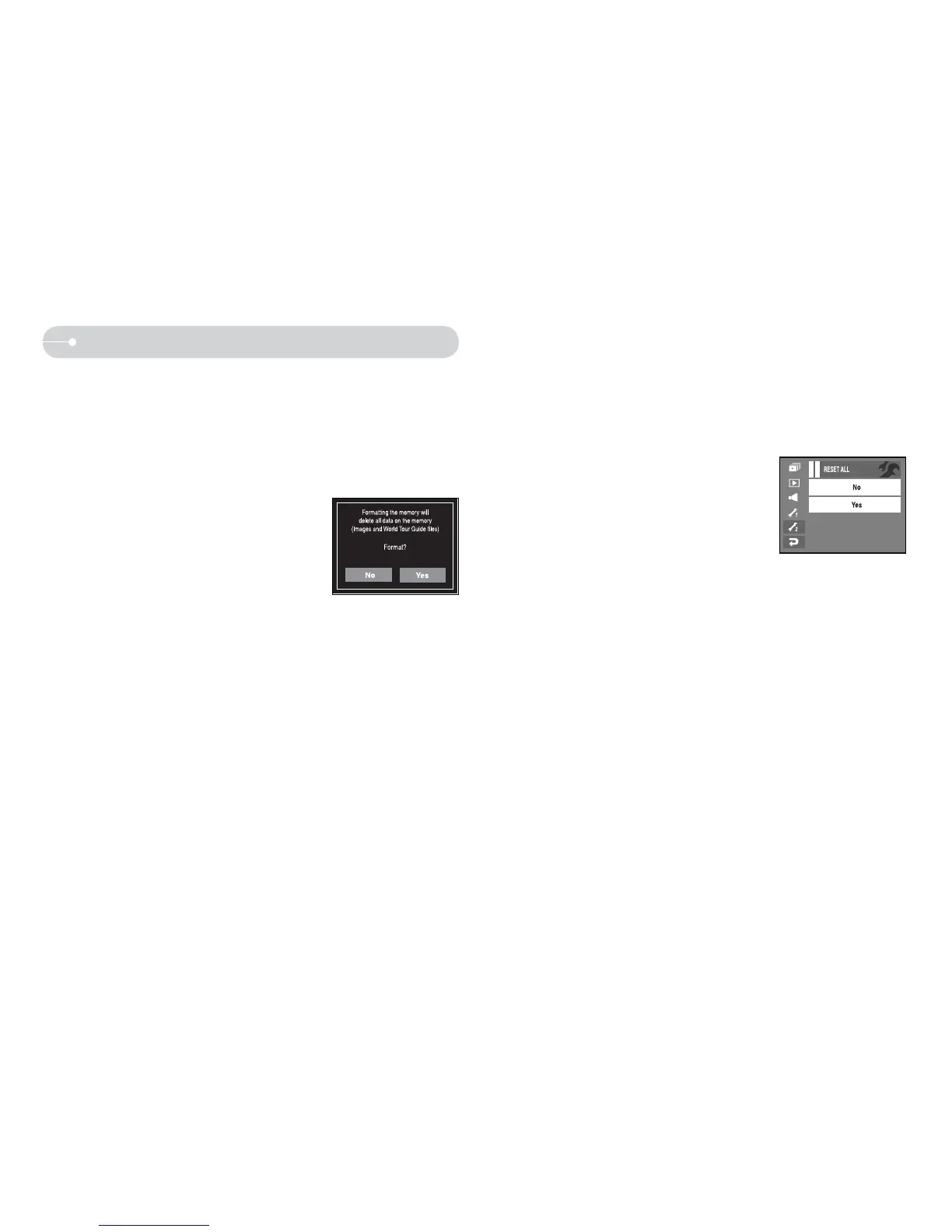
Q This is used for formatting the memory. If you run [Format] on the memory,
all images, including the protected images, and World Tour Guide file will be
deleted.
Be sure to download important images to your PC before formatting the
memory.
O Sub menus
[No] : The memory will not be formatted.
[Yes] : A [Processing!] message appears
and the memory will be formatted.
If you run [Format] in Play mode, a
[No Image!] message will appear.
Be sure to run [Format] on the following types of memory card.
- A new memory card, or an unformatted memory card.
- A memory card that has a file this camera can’t recognize or one
that has been taken from another camera.
- Always format the memory card using this camera. If you insert a
memory card that has been formatted using other cameras, memory
card readers, or PCs, you will get a [Card Error!] message.
Setup 2
[Reset]
Q This is used to reset the camera settings. If you select [Reset All], all settings
will be reset.
O Sub menu
[No] : All settings will not be reset.
[Yes] : All settings will be reset.



 To Next Page