83
Software Notes
Please ensure that you read this instruction manual carefully before use.
· The attached software is a camera driver and image editing software tool for
Windows.
· Under no circumstances should all or part of either the software or the user
manual be reproduced.
· Copyrights for software are licensed only for use with a camera.
· In the unlikely event of a manufacturing fault, we will repair or exchange your
camera. We cannot, however, be held responsible in any way for damage
caused by inappropriate use.
· Using a Hand-made (self assembled) PC or a PC and OS that has not been
guaranteed by the manufacturer is not covered by the Samsung warranty.
· Before using this manual, you should have a basic knowledge of computers
and O/S (Operating Systems).
System Requirements
For Windows For Macintosh
PC with processor better than Pentium II 450MHz
(Pentium 800MHz recommended)
Windows 98SE/2000/ME/XP/Vista
Minimum 128MB RAM (Over 512MB
recommended)
CD-ROM drive, USB port
1024x768 pixels, 16bit color display compatible
monitor (24bit color display recommended)
Microsoft DirectX 9.0C
Power Mac G3 or later / Intel
Processor
Mac OS 10.1 ~ 10.4
Minimum 256MB RAM
USB port
CD-ROM drive
110MB of available hard-disk
space
For playing back a movie clip Mac
OS 10.1 or later MPlayer
About the software
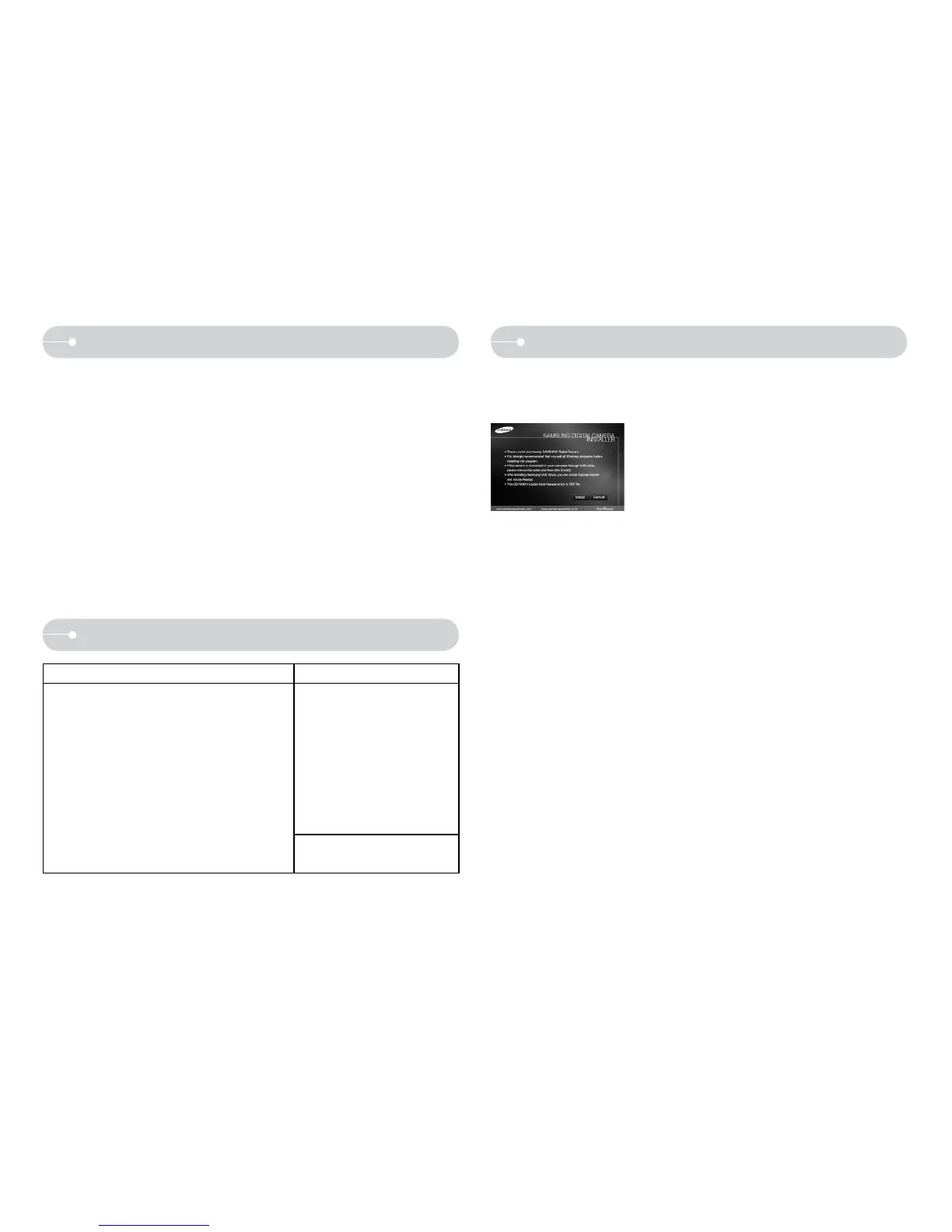
After inserting the CD-ROM provided with this camera into the CD-ROM drive,
the following window should automatically run.
Before connecting the camera to the PC, you
should first install the camera driver.
Q Camera driver : This enables images to transfer between the camera and PC.
This camera uses the USB Storage Driver as the camera driver. You can use
the camera as a USB card reader. After installing the driver and connecting
this camera to the PC, you can find [Removable Disk] in [Windows Explorer]
or [My Computer]. A USB Storage Driver is provided only for Windows. A
USB Driver for MAC is not included with the Application CD. You can use the
camera with Mac OS 10.1 ~ 10.4.
Q XviD codec : This allows movie clips (MPEG-4) recorded with this camera to
be played back on a PC. To play back a movie clip recorded with this camera,
you must install the XviD codec. If a movie clip recorded with this camera
does not play well, install this codec. This software is only compatible with
Windows.
Q Digimax Master : This is the all-in-one multi media software solution. You can
download, view, edit and save your digital images and movie files with this
software. This software is only compatible with Windows.



 To Next Page