3-31
Chapter 3.Using The Computer
■
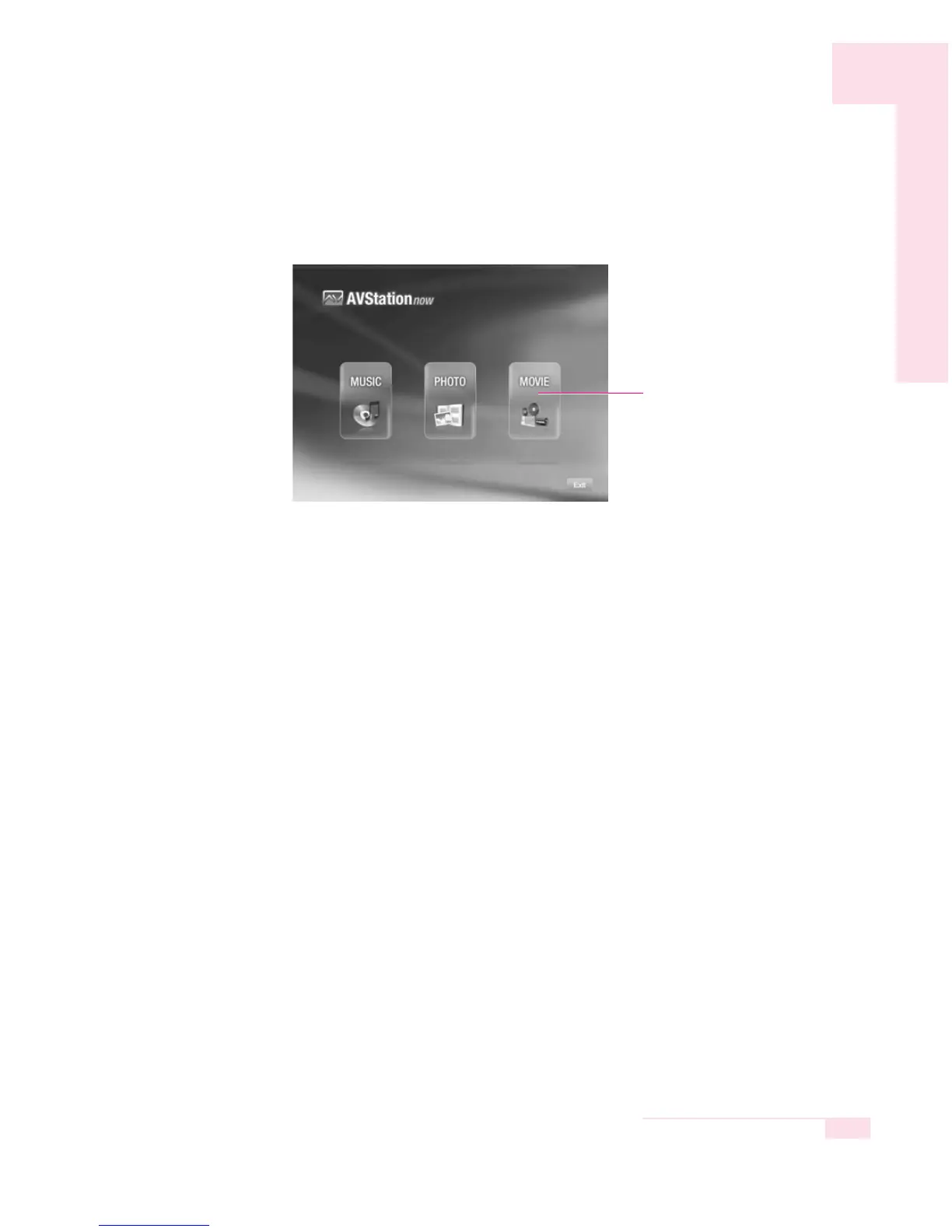
AVStation now Menus
AVStation now consists of the following 3 menus.
▶ MUSIC : Using this menu, you can play a music file or an audio CD.
▶ PHOTO : Using this menu, you can view a picture (image) and view a
picture through the Slide Show.
▶ MOVIE : Using this menu, you can play a video (movie) file or a
DVD/VCD title.
Using AVStation now
The procedures for using AVStation now will be described below.
■
The To Move, Select and Run Menus
In AVStation now, you can use the keyboard, mouse, and remote control.
▶ Moving a Menu or an Item
Press the direction keys on the keyboard or move the mouse to move
the cursor to a menu or item and then click it. Or press the Direction
button on the remote control.
▶ Selecting or Running a menu or an Item
After you move to a menu or item, press the <Enter> key on the key-
board or double-click it. Or press the Enter button on the remote con-
trol.
▶ Returning to the Previous Screen
Press the <Esc> or <Backspace> key on the keyboard, or right-click it.
Or press the BACK button on the remote control.
Menu



 To Next Page