GB
15
When Playing CD/VCD
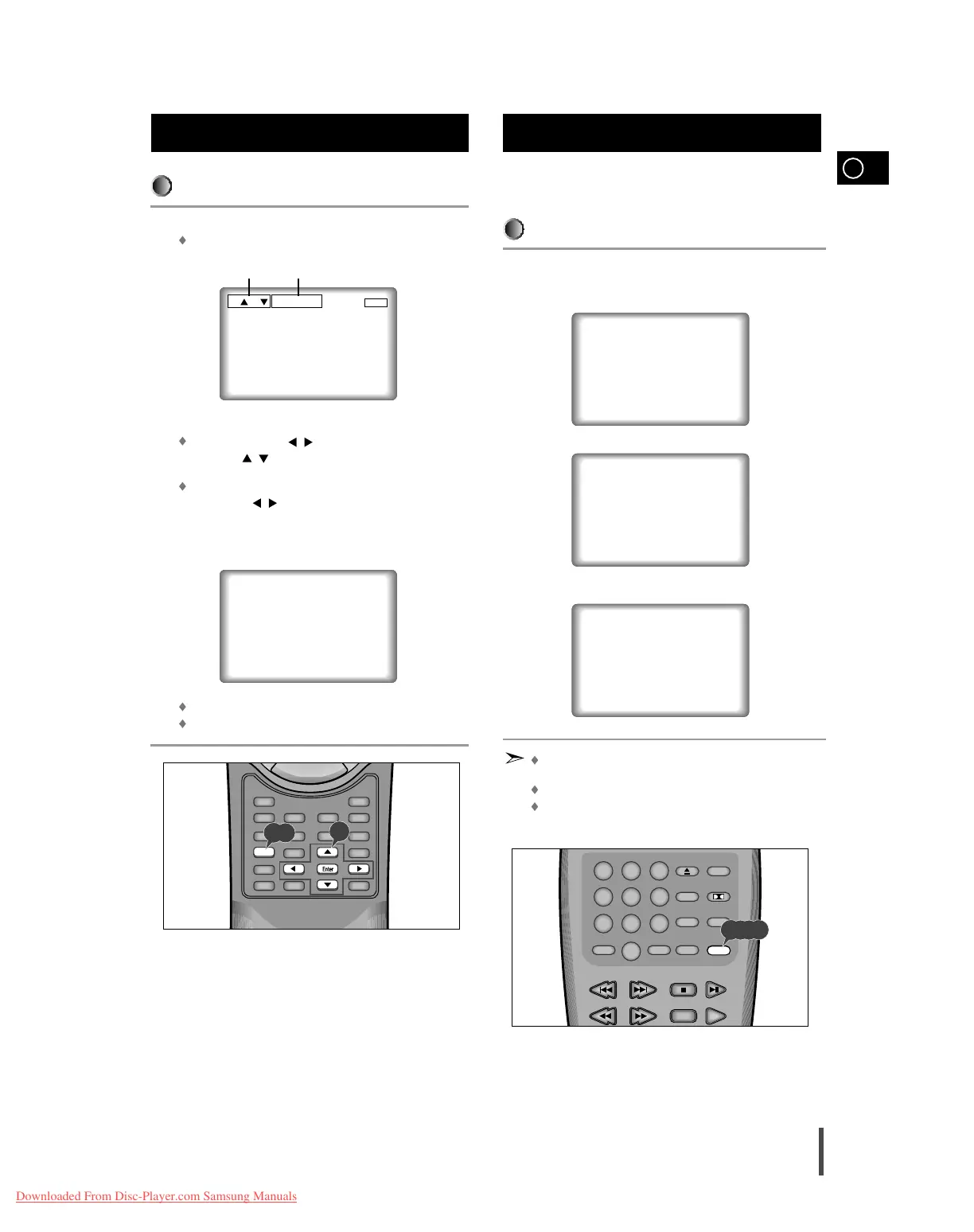
During playback, press the Display button on the remote.
Current track number and elapsed time will be displayed.
Use the LEFT/RIGHT ( / ) button to select a track. Use the
UP/DOWN ( / ) button or Number buttons to enter a different
track number, then press the Enter button.
To enter the time from which you want to start, use the
LEFT/RIGHT ( / ) button to select, then use the Number but-
tons to enter the time.
Then press the Enter button.
Press the Display button on the remote twice.
Elapsed time and remain time will appear.
To make the screen disappear, press the Display button again.
Using the Display Function
(Cont’d)
Repeat play allows you to repeat a track, title, or the entire
disc.
When playing a DVD
Press the Repeat button once to display the current status.
Press the Repeat button twice to repeat the chapter currently playing.
Press the Repeat button a third time to repeat the title currently playing.
Press the Repeat button again to turn off the repeat feature.
DVD repeats playback by chapter or title, CD and VCD repeat play-
back by disc or track.
Depending on the disc, the Repeat function may not work.
When in VCD 2.0 mode (MENU ON mode), this function does not
work.
Repeat Play
1
2
T : 01 TIME 0:12 : 43
T:02 0:00:03
T:05 1:07:47 REMAIN



 To Next Page