GB
32
You can improve the quality of radio reception by:
Rotating the FM or AM(MW) aerial
Testing the positions of the FM and AM(MW) aerials before fixing them
permanently
If reception from a specific FM radio station is poor, press Mono/ST.
to switch from stereo mode to mono. The quality of the sound will be
improved.
Improving Radio Reception
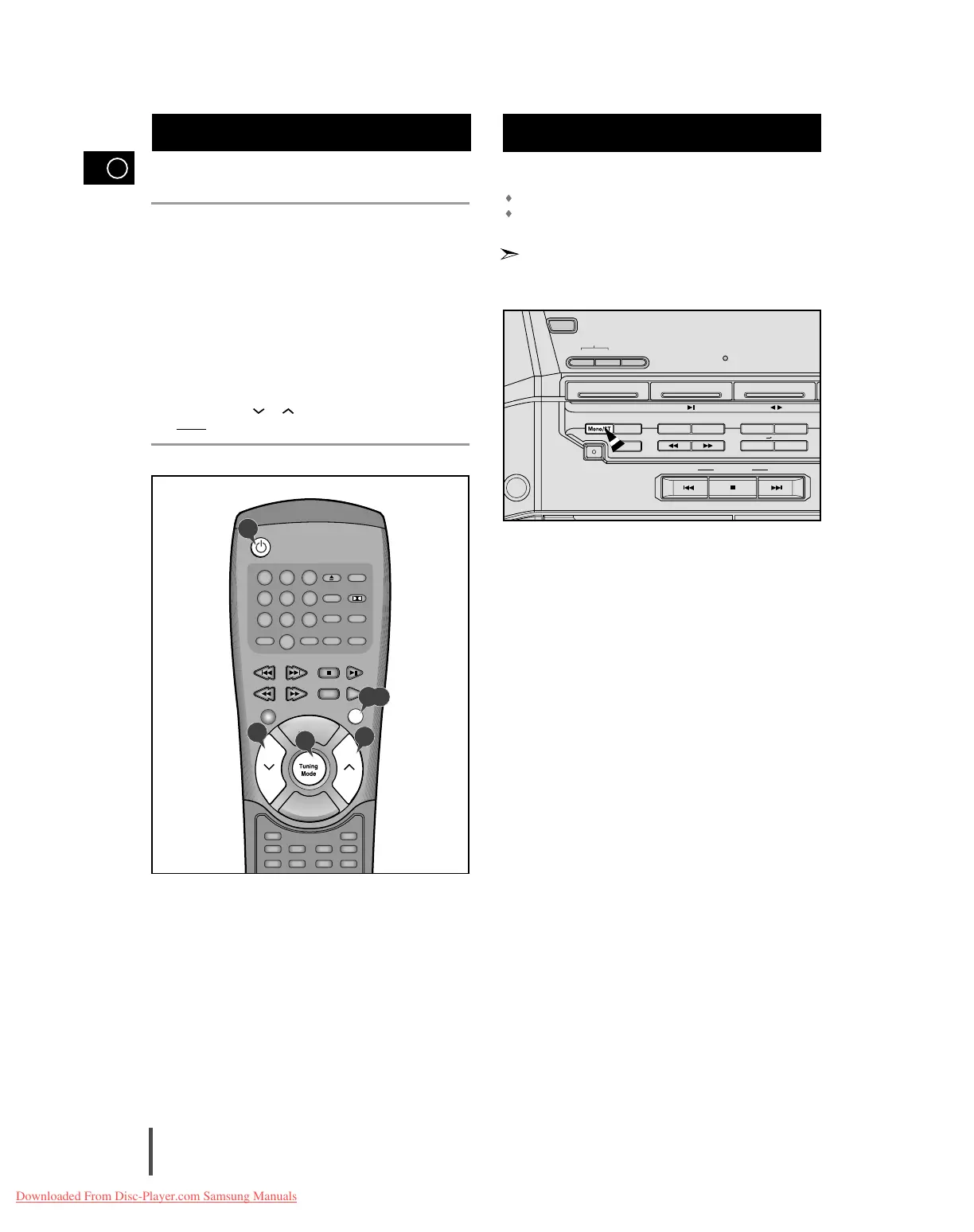
You can listen to a stored radio station as follows:
Switch the system on by pressing On/Standby.
Select the TUNER function by pressing Band on remote control.
Select the required frequency band by pressing Band on the remote
control or TUNER (Band) again on the front panel.
Press the Tuning Mode button on the front panel of the unit, or the
Tuning Mode button on the remote control until “PRESET” is dis-
played.
Tuning the Multi-Jog on the front panel left or right until the desired
station is found.
or
Select the desired station by pressing the station number stored,
using the Tuning or button on the remote control.
Result:
The desired station is now received.
Selecting a Stored Station
1
2
3
4
5
1
2,3
5
4
5



 To Next Page