GB
37
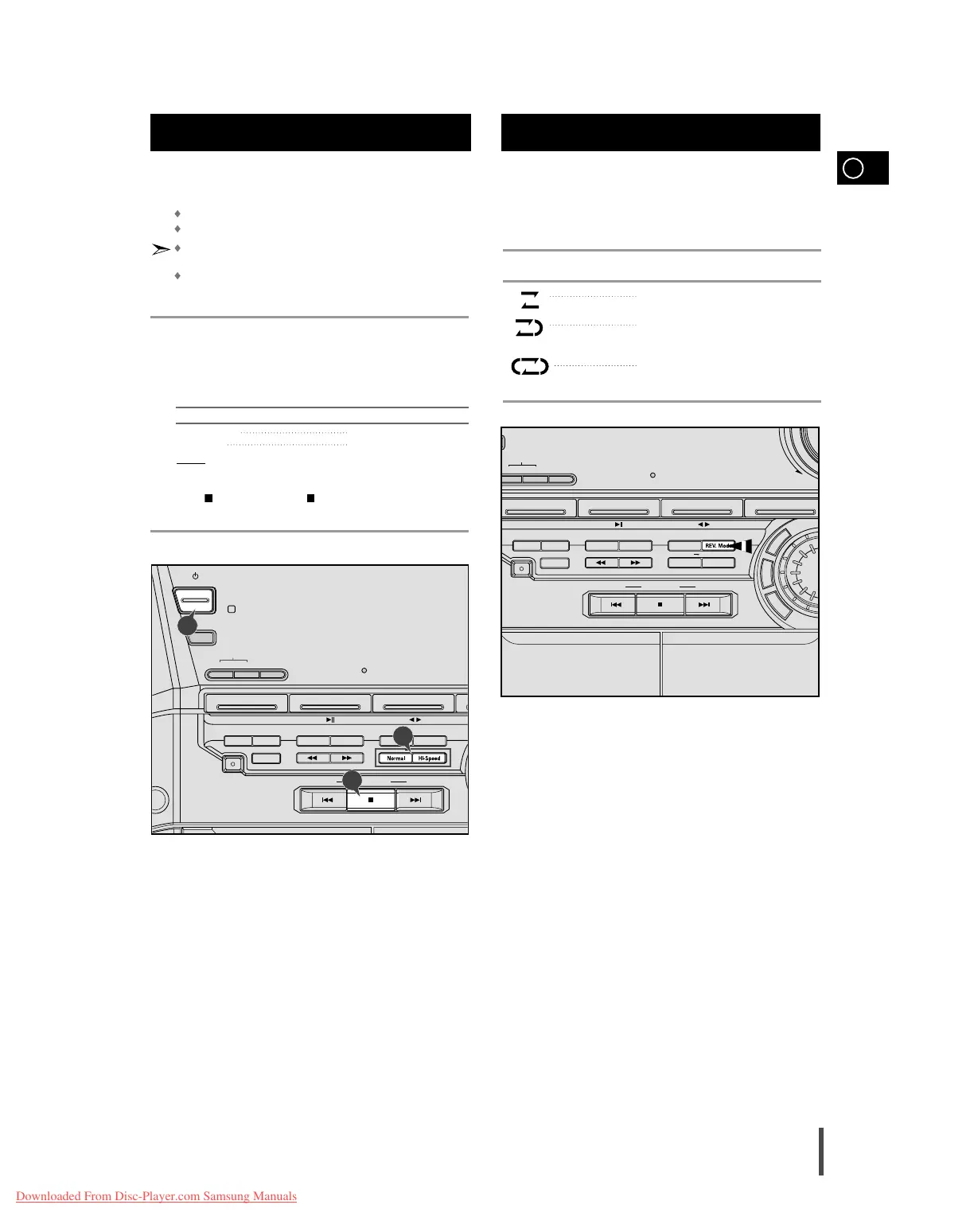
You can copy a cassette from Deck 1 to Deck 2. Two options
are available:
Normal speed dubbing
High-speed dubbing
You do not need to adjust the volume, as it has no effect on the
recording.
Take care not to insert the tape to be copied in Deck 2, as it will
be erased when you start recording.
Switch your system on by pressing On/Standby.
Insert a blank cassette in Deck 2.
Insert the tape to be copied in Deck 1.
To copy a cassette at... Press...
Normal speed Normal
High speed Hi-Speed
Result:
The appropriate indications are displayed and the cassette in
Deck 1 is copied to the cassette in Deck 2.
Press on the front panel or for each deck on the remote con-
trol when you have finished recording.
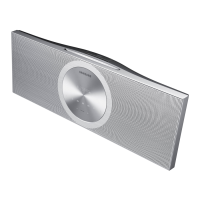
Your mini-compact system has three cassette playback modes
which enable you to listen to both sides of a cassette auto-
matically.
Press REV. Mode until the appropriate symbol is displayed.
When the display indicates... The mini-compact system plays back...
One side of the selected cassette and
then stops.
One side of the cassette.
The other side of the cassette and then
stops.
Both sides of the cassette indefinitely until
you press stop.
Copying a Cassette (Dubbing)
Selecting the Cassette Playback
Mode (Deck 2 Only)
1
2
3
4
5



 To Next Page