The main lead must be plugged into an appropriate socket.
Before plugging your system into a main socket, you must check
the voltage.
Plug the main lead (marked AC Cord on the rear of the system) into
an appropriate socket.
Press the On/Standby button to switch your mini-compact system
on.
GB
7
To take full advantage of your new mini-compact system, fol-
low these installation instructions before connecting the unit.
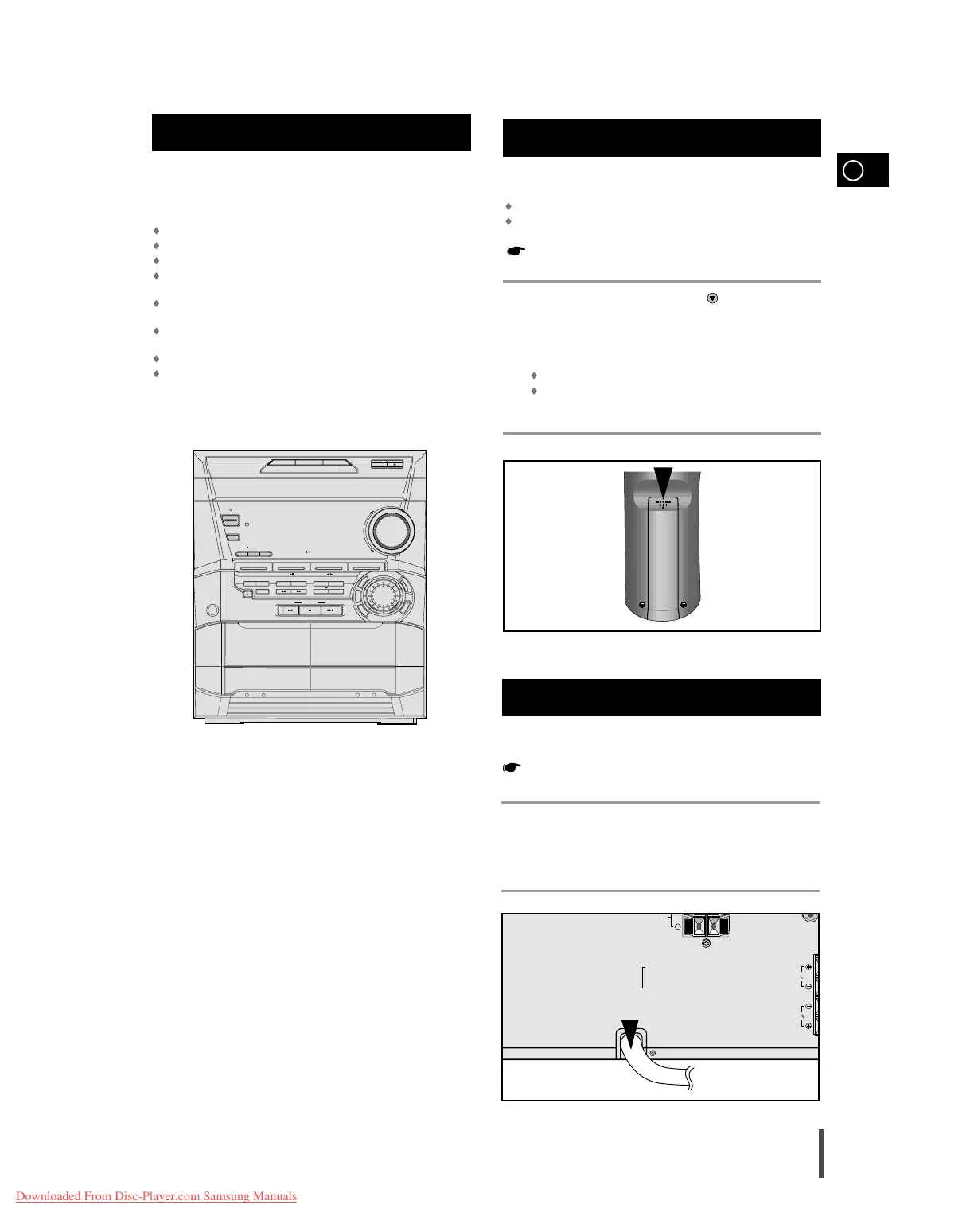
Install the system on a flat, stable surface.
Never place this unit on carpeting.
Never place this unit in an outdoor area.
Maintain an open space of approximately 4 inches (10 cm) on the
sides and rear of the system, for ventilation purposes.
Make sure that you have enough room to open the compact disc
compartment easily.
Place the loudspeakers at a reasonable distance on either side of
the system to ensure good stereo sound.
Direct the loudspeakers towards the listening area.
For optimum performance, make sure that both speakers are placed
at an equal distance above the floor.
Where to Install Your
Mini-Compact System
Connecting your System to the
Power Supply
Insert or replace remote control batteries when you:
Purchase the mini-compact system
Find that the remote control is no longer operating correctly
When replacing the batteries, use a new set of batteries and
never mix alkaline and manganese batteries.
Place your thumb on the position marked on the battery compart-
ment cover (rear of the remote control) and push the cover in the
direction of the arrow.
Insert two AAA, LR03 or equivalent batteries, taking care to respect
the polarities:
+ on the battery against + in the battery compartment.
– on the battery against – in the battery compartment.
Replace the cover by sliding it back until it clicks into position.
Inserting Remote Control Batteries
1
2
3



 To Next Page