10
description
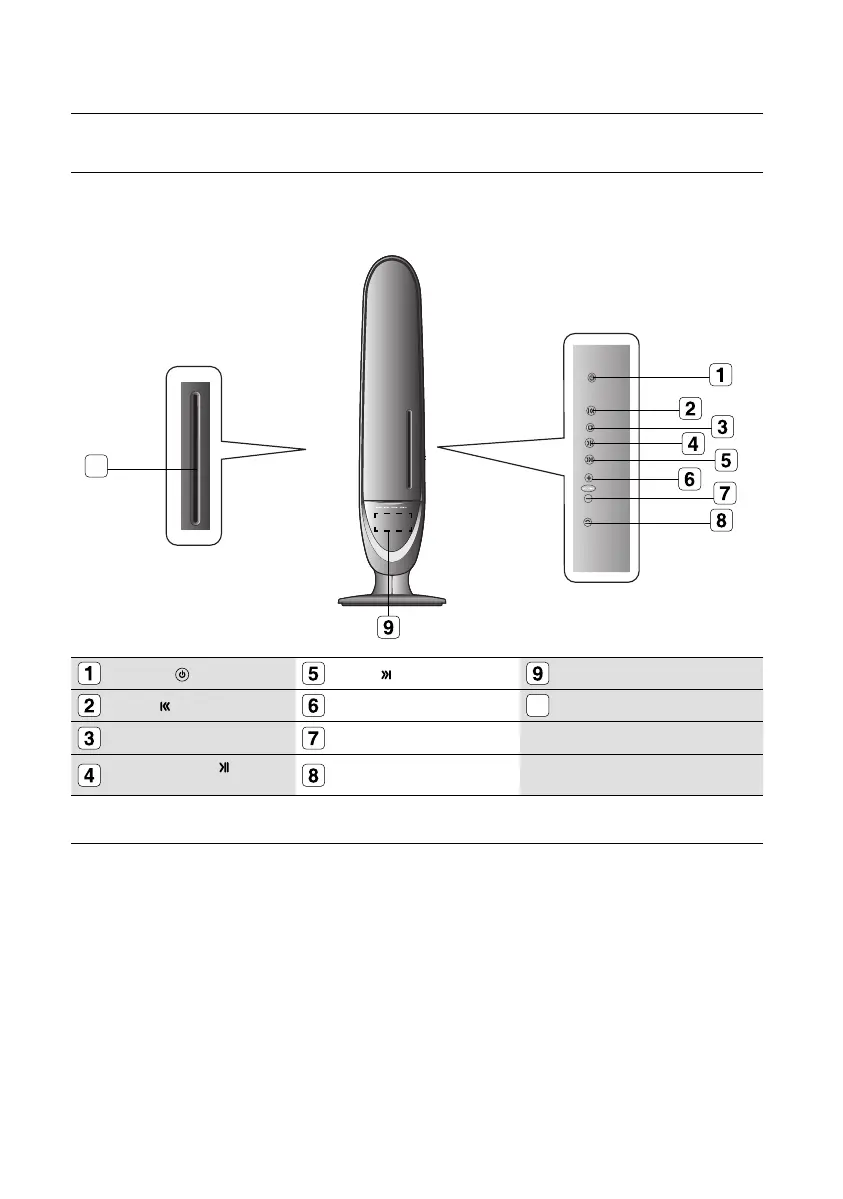
FRONT PANEL
POWER( ) BUTTON
SKIP ( ) BUTTON
Display
SKIP ( ) BUTTON Volume Control (+)
10
DISC TRAY
STOP (¦) BUTTON
Volume Control (-)
PLAY/PAUSE ( )
BUTTON
EJECT BUTTON
Service for Speaker system is not available. For speaker system replacement please contact your
authorize Samsung Service Center.
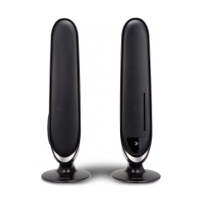
The maind unit (R Speaker) has a groove on the front side. You can open it by puliling it with a
thin and hard end tool (such as ruller or screwdriver). Do not open unless for service purpose
M
10
02107H-RTSE10-XME.indd 1002107H-RTSE10-XME.indd 10 6/20/08 11:04:57 AM6/20/08 11:04:57 AM






 To Next Page